Overview
In the Q&B system workflows define the quote movement logic from one state to another. Workflows are written in JSON, in the similar way as schemas.
Workflows List
To access workflows, click Underwriting on the left sidebar and from the drop down menu select Workflows.
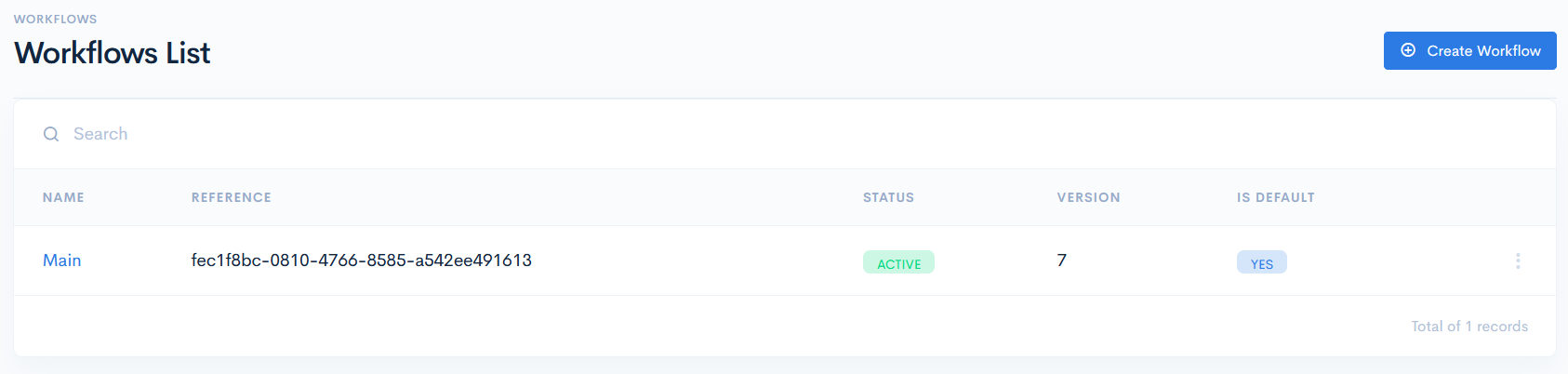
In the new window you will see the list of workflows with the following columns:
| Name | Workflow name. |
| Reference | Automatically created reference number. |
| Status | Workflow status. Possible options:
|
| Version | Current version of the workflow. |
| Is Default | States if the workflow will be used in all schemas by default, or no. |
{info.fa-info-circle} You can filter out the list by Name and Reference in the search bar.