Product Management
In this chapter we will discuss how to edit/delete products and add a child product to a parent.
Edit or Delete Product
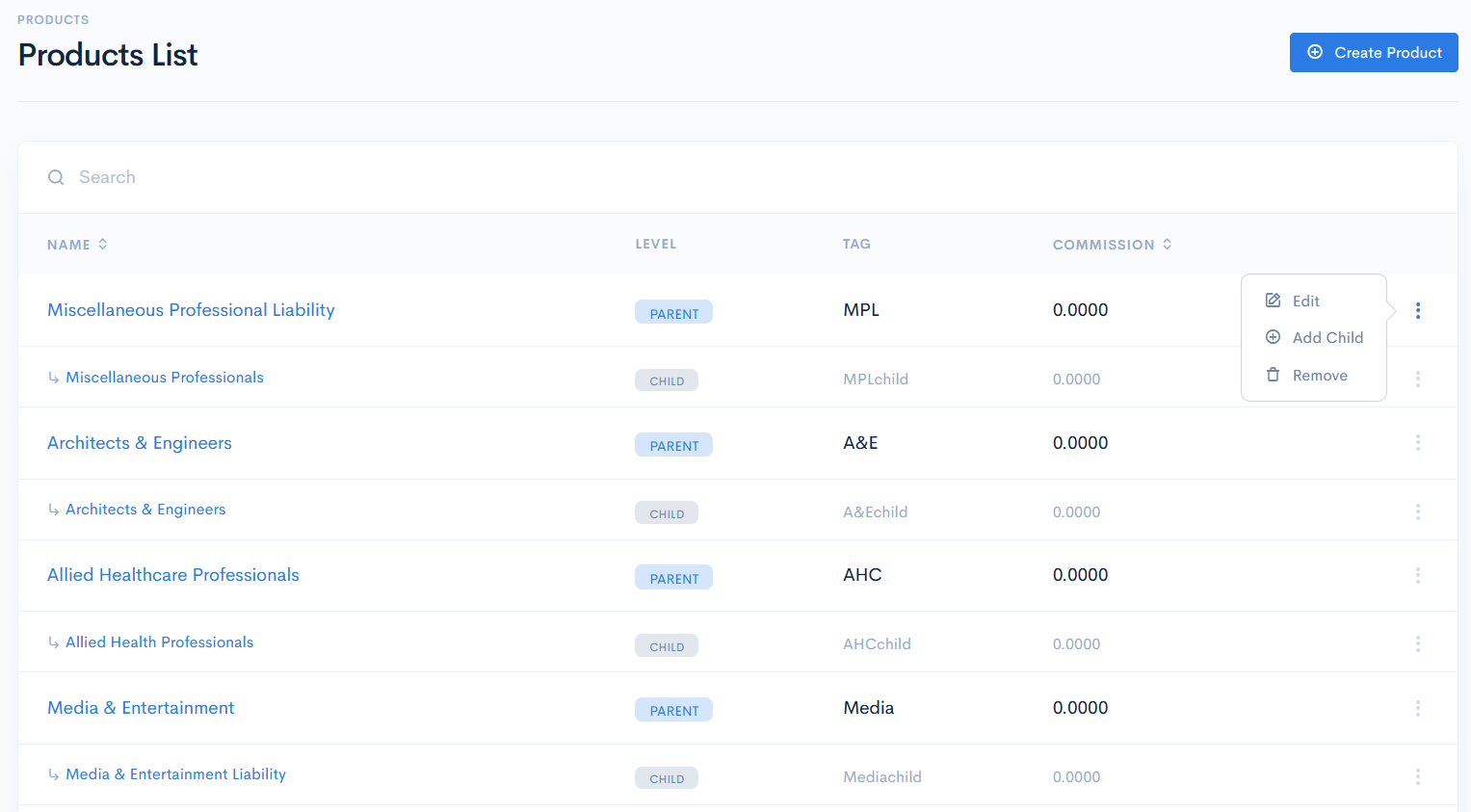
To edit or delete the parent/child product, hover over the three dots on the right of the row and click Edit or Remove.
{info.fa-info-circle} If a parent product has childs, then it cannot be deleted.
Add Child Product
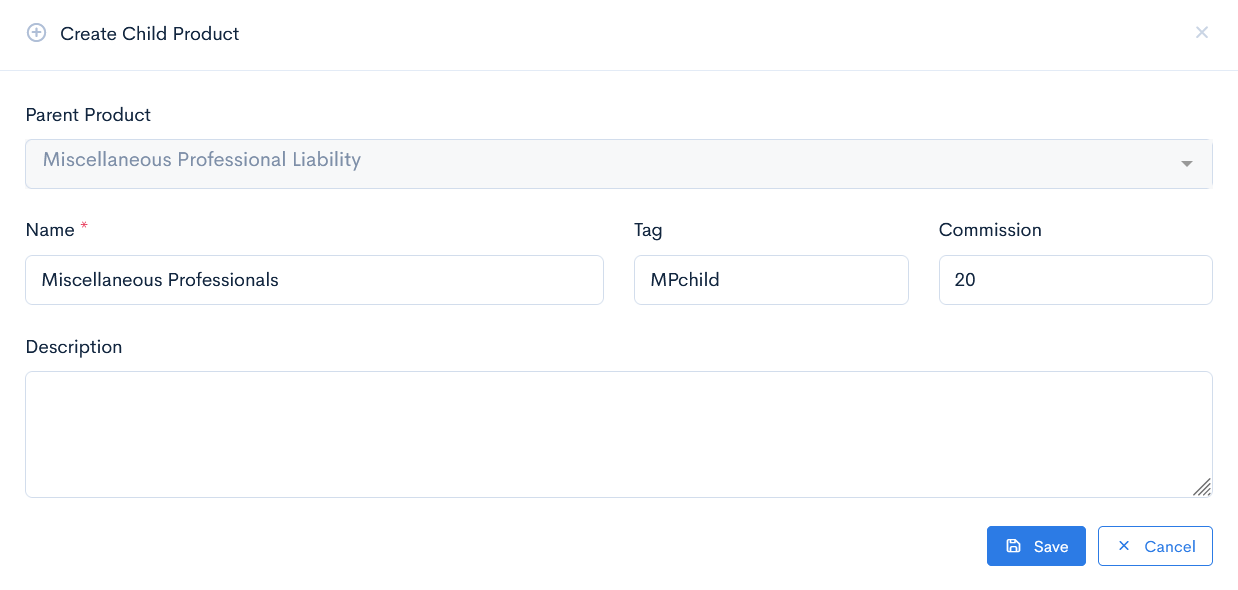
To add a child to a parent product, hover over the three dots on the right of the row and click Add Child. A new window with a form will appear. Enter the product Name and Tag, Commission and a Description. The parent product is assigned by default and cannot be changed.
Click Save. Now the product will appear in the list under its parent and receive the Child level.