Overview
Language of the Q&B system can be easily changed in the sidebar but before doing that, that language library should be included in the app. In the library you will find all the hardcoded system words and phrases, which translations you can update.
Translation Libraries
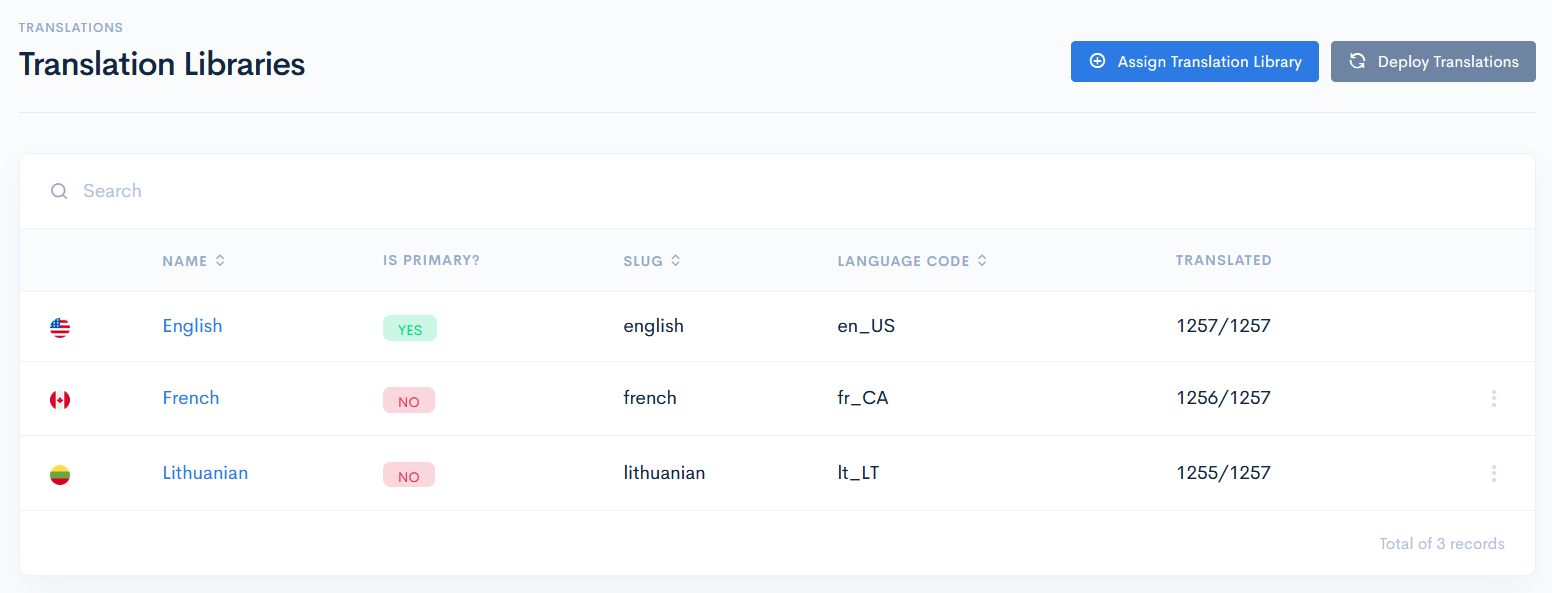
To access libraries, click Admin on the left sidebar and from the drop down menu select Translation Libraries.
In the new window you will see the list of tasks. Every row starts with a flag of country, where the langauge is used (e.g. American English, Canadian French, etc.). The list has the following columns:
| Name | Language name. |
| Is Primary? | Is this language used by default. Note: the English language will be always primary. |
| Slug | |
| Language Code | Language code consists of the language and its country abbreviations. |
| Translated | How many words are translated out of all. |