Overview
Data tables are matrixes, that are used to store a lot of values, where the system looks up the range, or a standalone value by the already known another parameter value.
Data Tables List
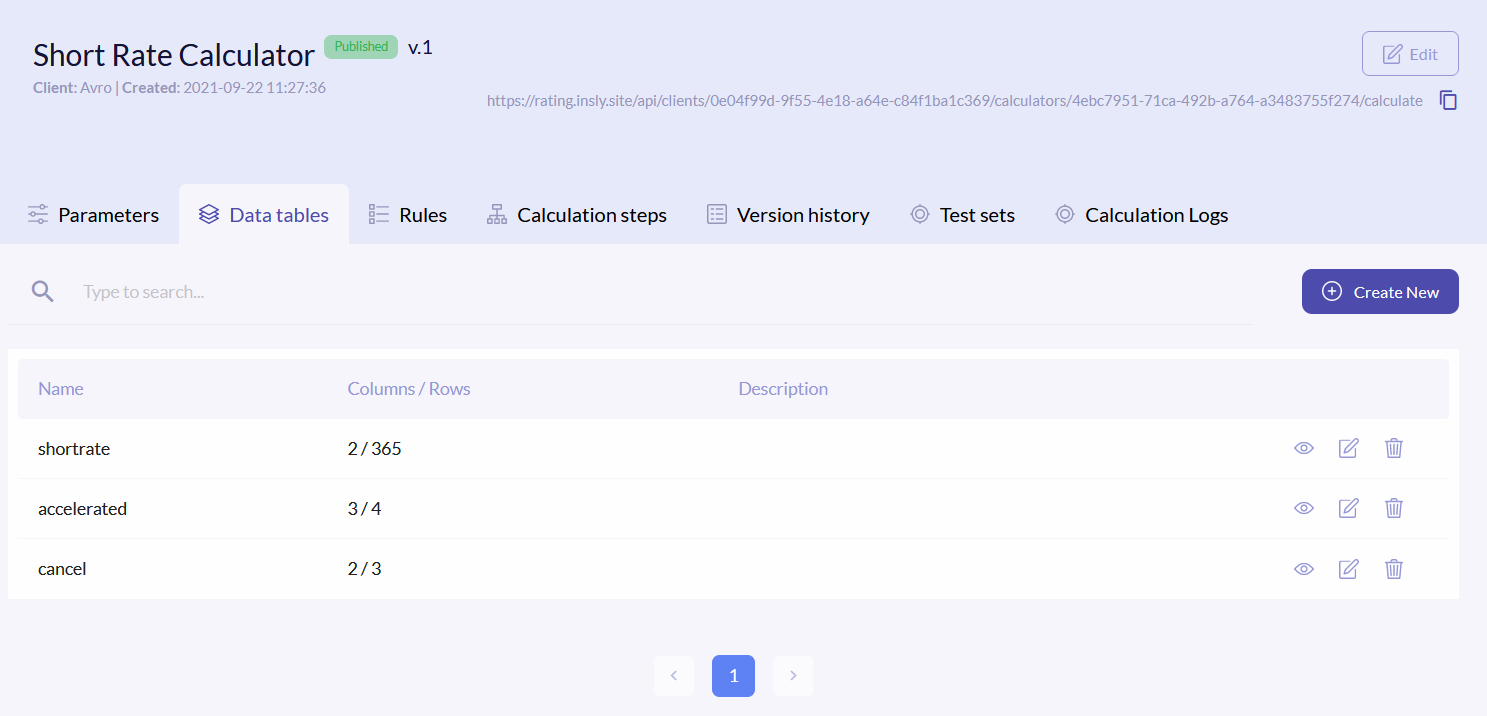
To access data tables, click the Data tables tab. The data tables list has following columns:
| Name | Data table name. This name is used in formulas. |
| Columns/Rows | How many columns and rows are in the table. |
| Description | Short description about the table. |
{info.fa-info-circle} You can filter out the list by name.
Create New Data Table
To create new data table, you have to do two things: create an empty template in the system and create a full table in .csv or .xlsx formats and import it to the template.
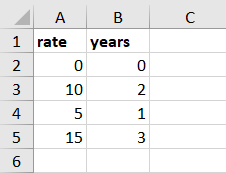
Firstly open the Excel app on your PC and enter all the required data. The first row must be the column names, which are then used in formulas. Make as many rows and columns as you want to. Save the file. The example of the table:
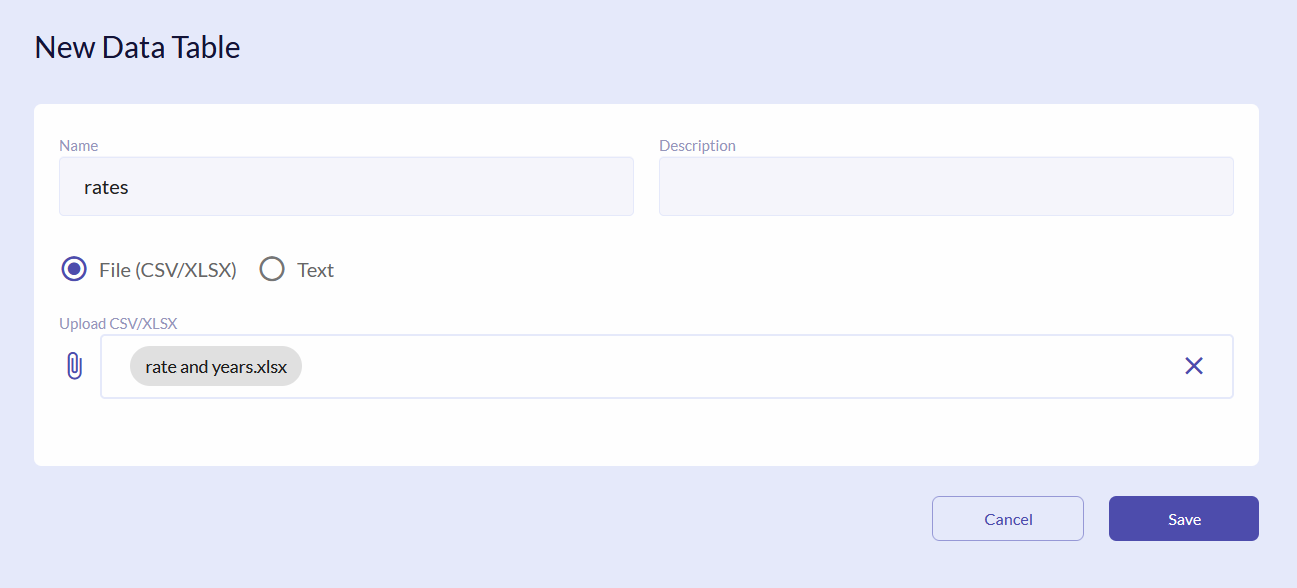
In the Rating Engine click the Create New button. Enter name and description of the table template. Upload the file, that you created earlier and click Save.
Edit/Delete Data Table
To update the table by adding new row or renaming columns, click the icon on the right of the field.

In the new window click Add Row or the icon to rename the column.
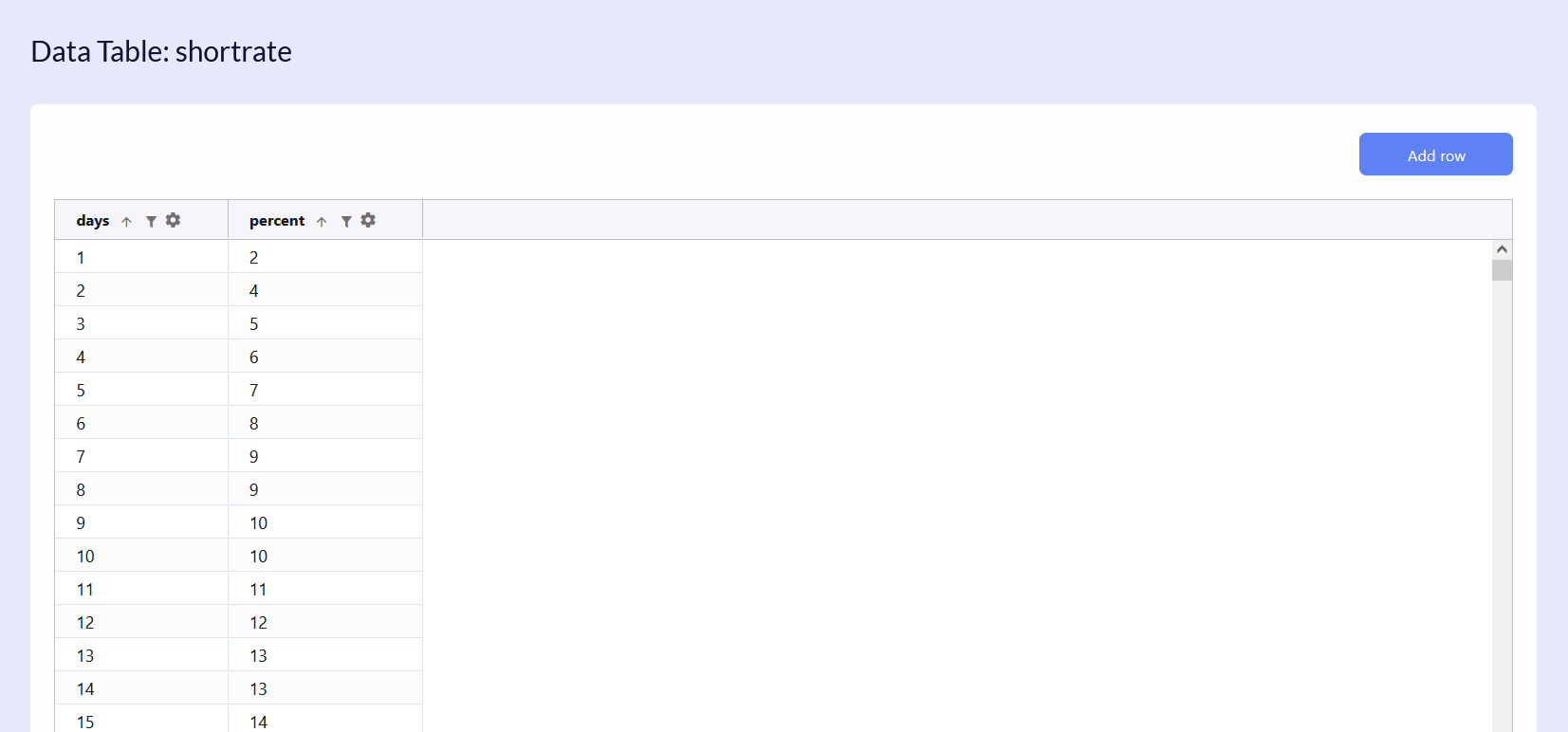
{info.fa-info-circle} Make sure that you change the column names in the formulas also.
{info.fa-info-circle} You can sort and filter the columns by clicking the and respectively.
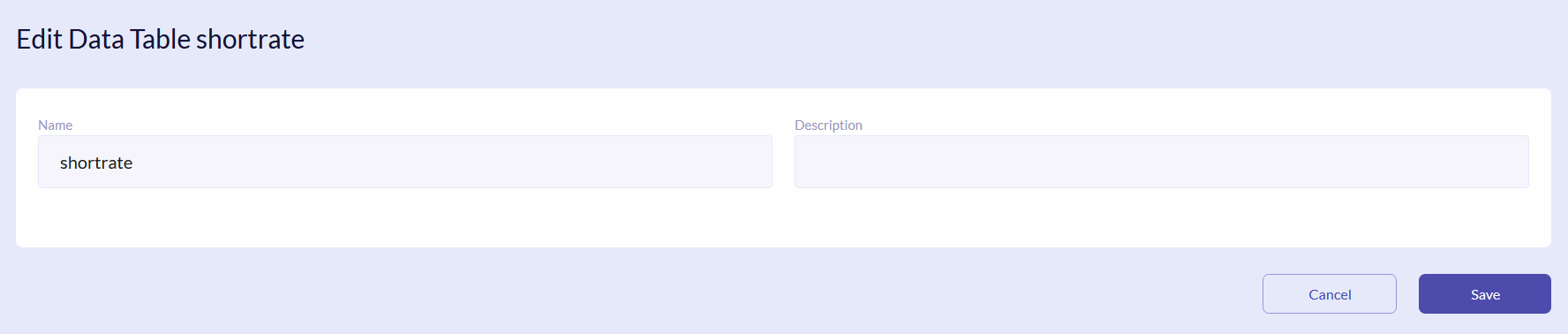
To edit the table template name and description, click the icon.