Overview
In the Object Groups section you can create new objects that needs to be covered by insurance and are added then to a quote. For more information on how to manage objects in a quote, see Quote Management.
Object Groups & Categories List
To access permissions, click Admin on the left sidebar and from the drop down menu select Object Groups.
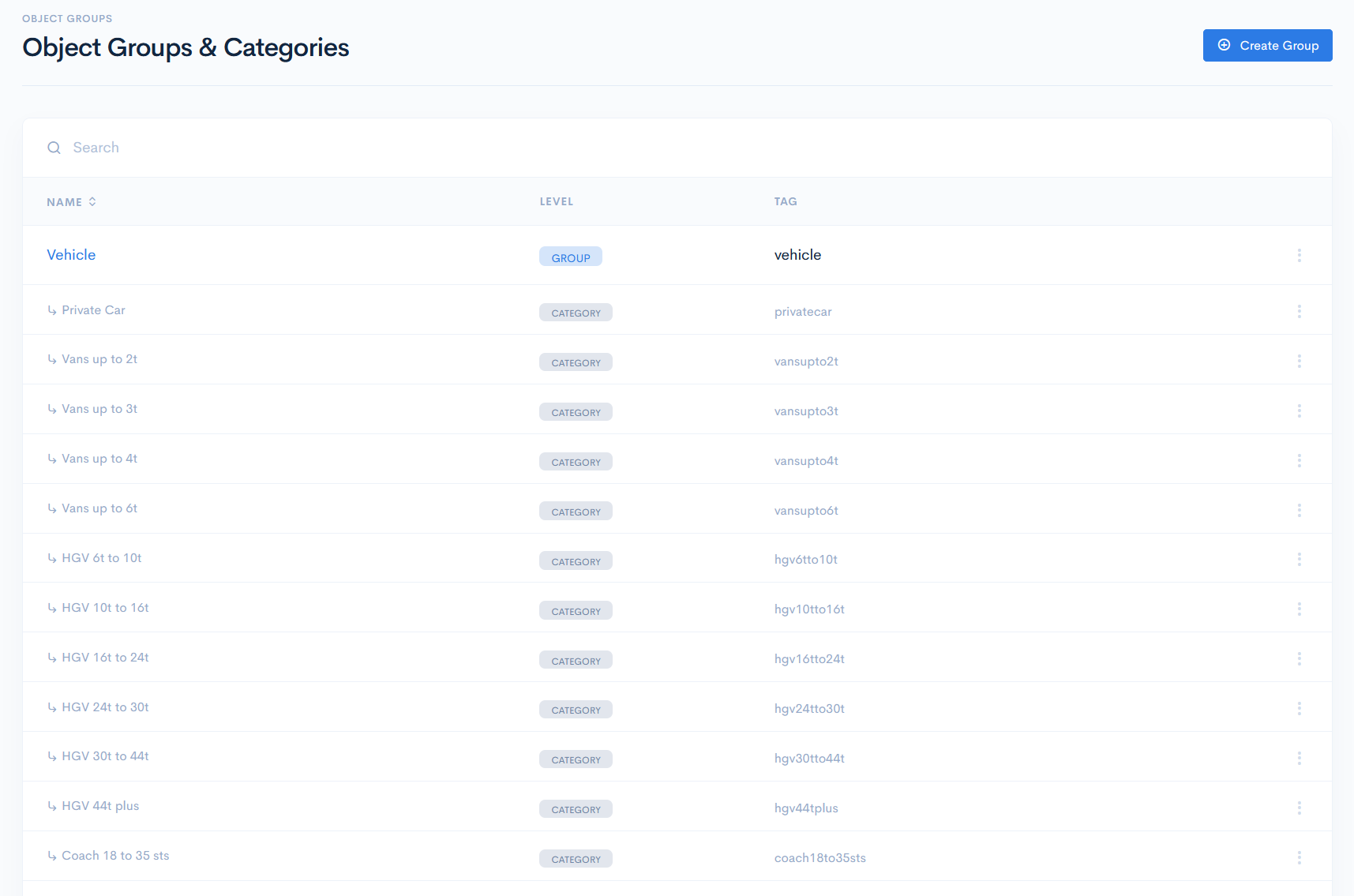
In the new window you will see the list of object groups and its categories.
The group list contains the following columns:
| Name | Group or category name. Note: You can sort the list by name in ascending or descending order, if you click on Name. |
| Level | The object level. Possible options:
|
| Tag | Unique identifier of an object or a category, which is used for value mapping in schemas. |