Overview
The tests sets help you to check in advance whether the formula will be executed correctly or not. For each set you can add several parameters to calculate and even to check if the rule will be applied.
Test Set List
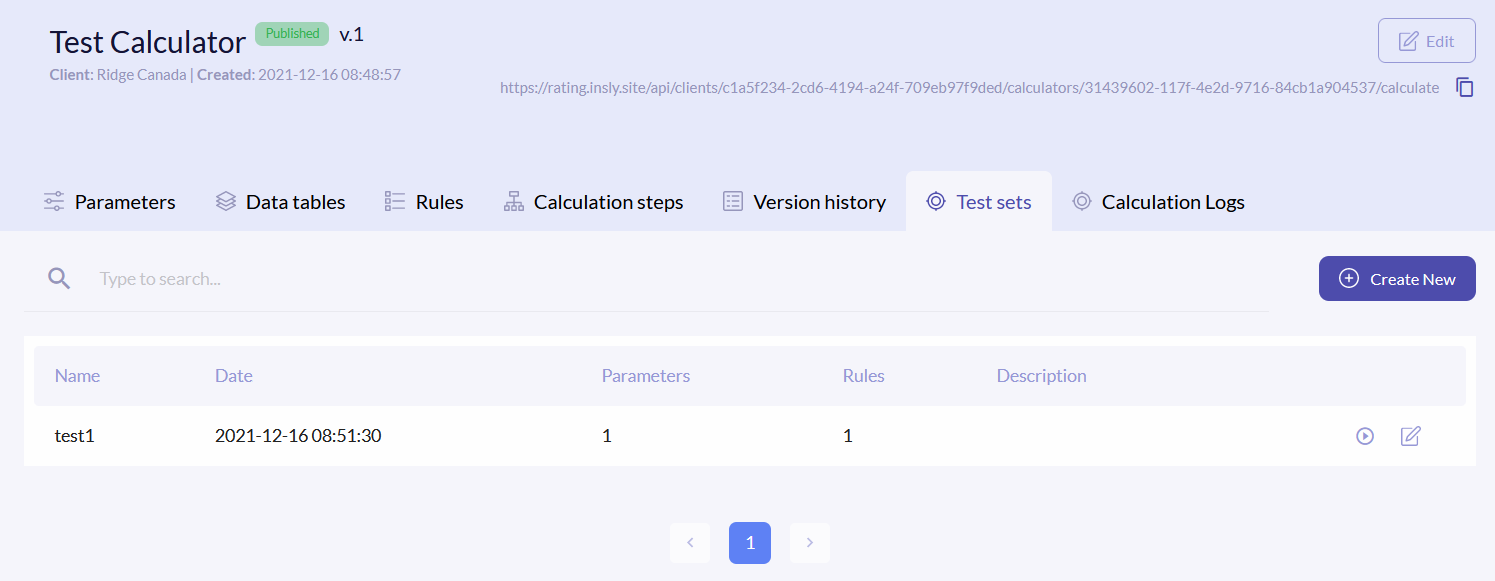
To access tests, click the Test sets tab. The test sets list has the following columns:
| Name | Name of the test set. |
| Date | Exact date and time of when the set was created. |
| Parameters | How many parameters are tested in the set. |
| Rules | How many rules are tested in the set. |
| Description | Short description. |
{info.fa-info-circle} You can filter out the list by name.
Create New Test Set
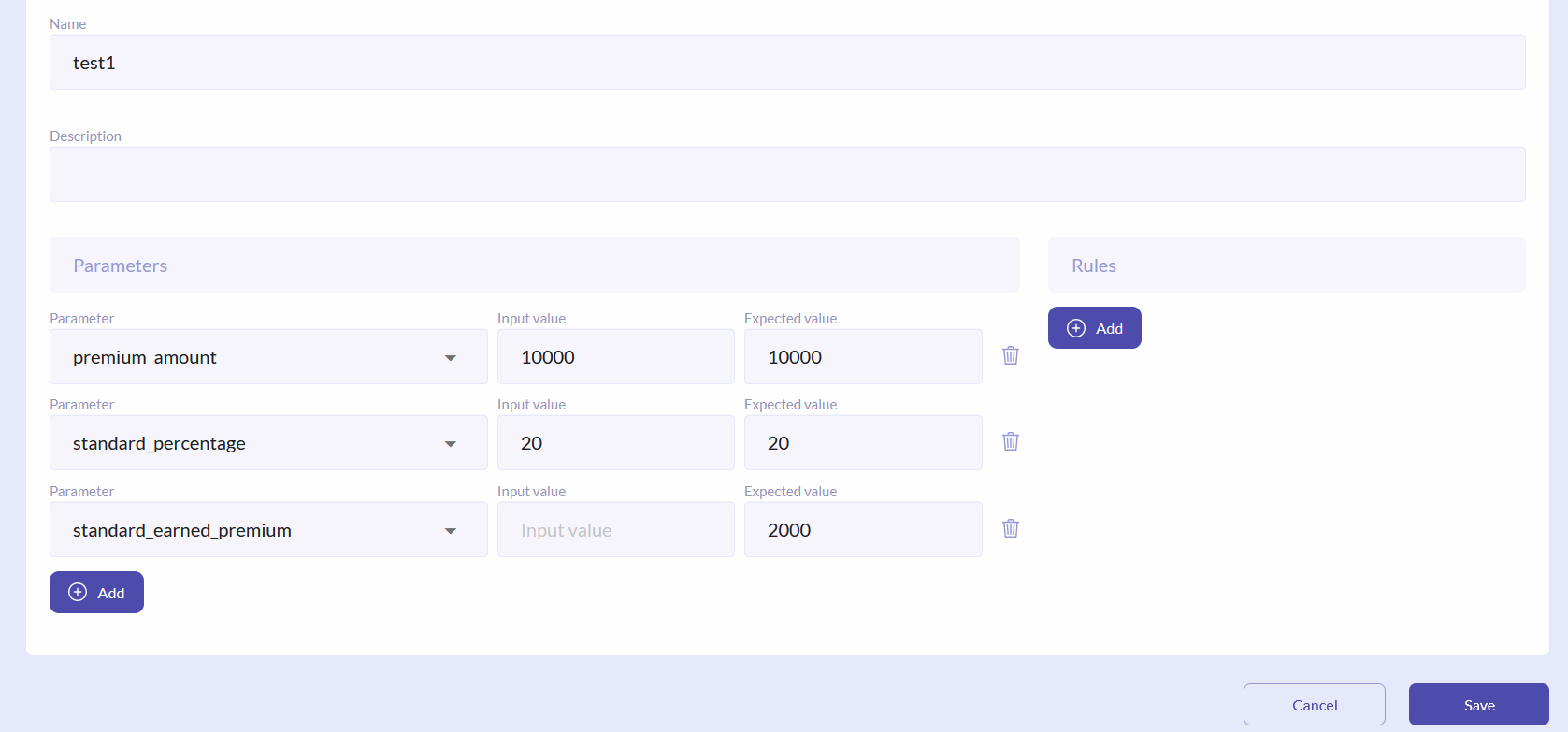
To create new set, click the Create New button. Enter Name and Description (optional). In the Parameters you have to define all parameters, that are in the formula and the calculatable parameter itself. When defining the variables from formula, enter Input value, Expected value is empty. It is vice versa for the calculatable parameter.
For example, we have to test the following calculation: standard_earned_premium = premium_amount * standard_percentage/100. We enter 10000 for the premium_amount, 20 for the standard_percentage and we expect to have 2000 as a result.
{info.fa-info-circle} For the variables the same values must be entered as inputs and expected values.
If you want to test if how a rule is triggered by the calculation, select a rule from the drop-down list and tick the Expected checkbox. Click Save.
Run/Edit Test
To see the test results, click the icon on the right of the field.

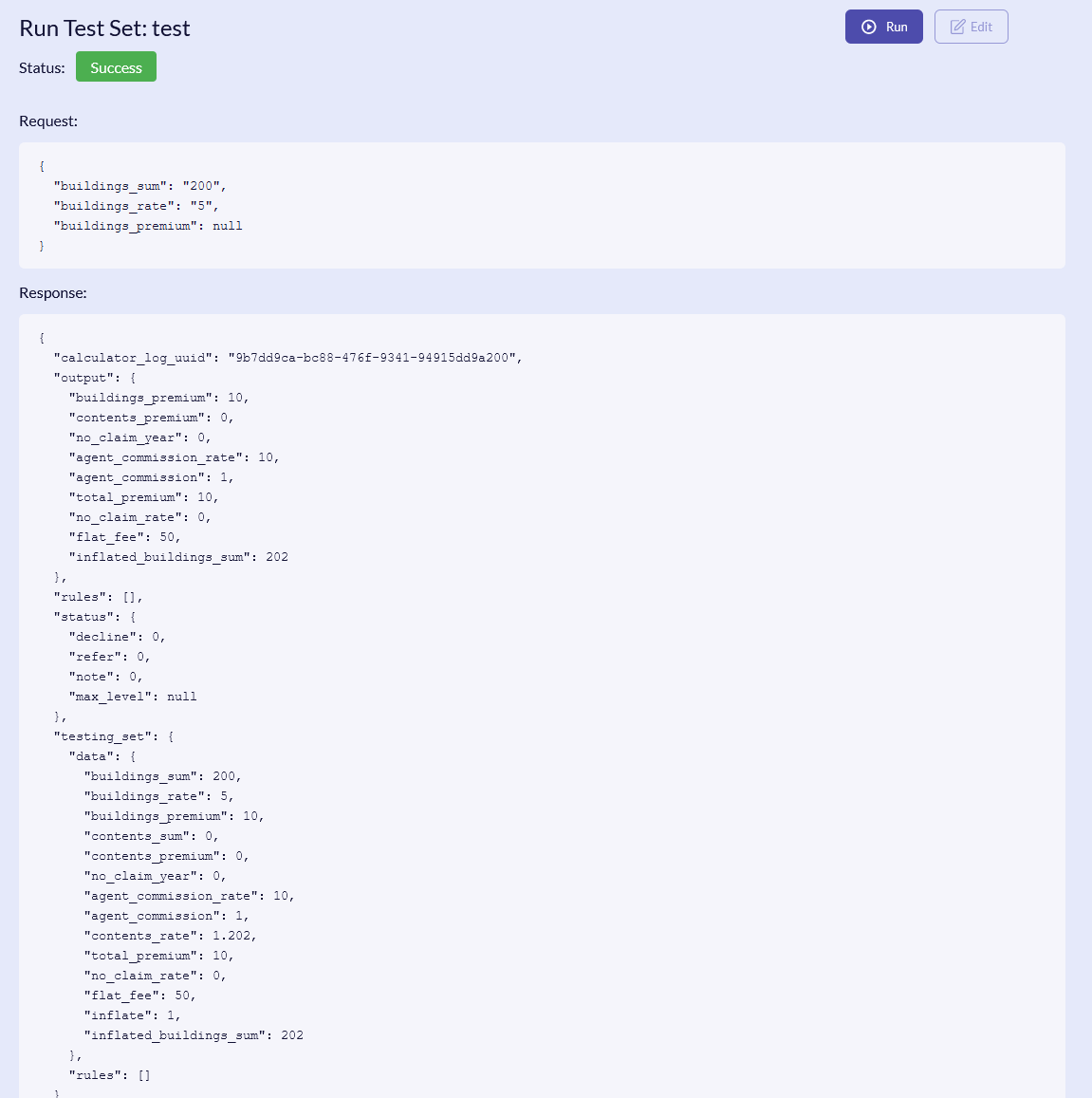
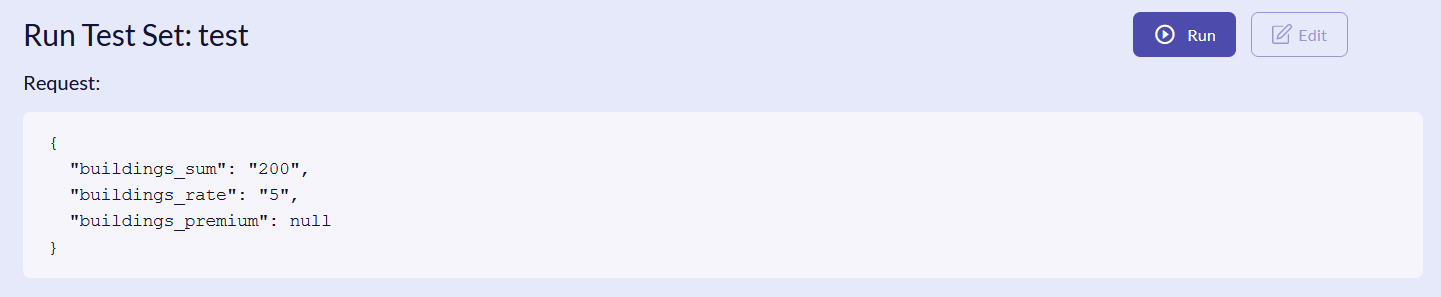
In the new window you will see the request form in JSON. Click the Run button, or Edit, if you need to update something.
After running the test, you will get the information with the JSON response structure and test status: