Home / Translation Library Management
Translation Library Management
In this chapter we are going to discuss how to edit/delete translation library and edit words translations in it.
Edit or Delete Library
To edit or delete library, hover over the three dots on the right of the field and click Edit or Remove.
{info.fa-info-circle} English language library cannot be modified or deleted.

Update Translations
If you think that some of the words translations are incorrect and are in need of update, then click on the language name and you will be redirected to the Edit Translation Library page.
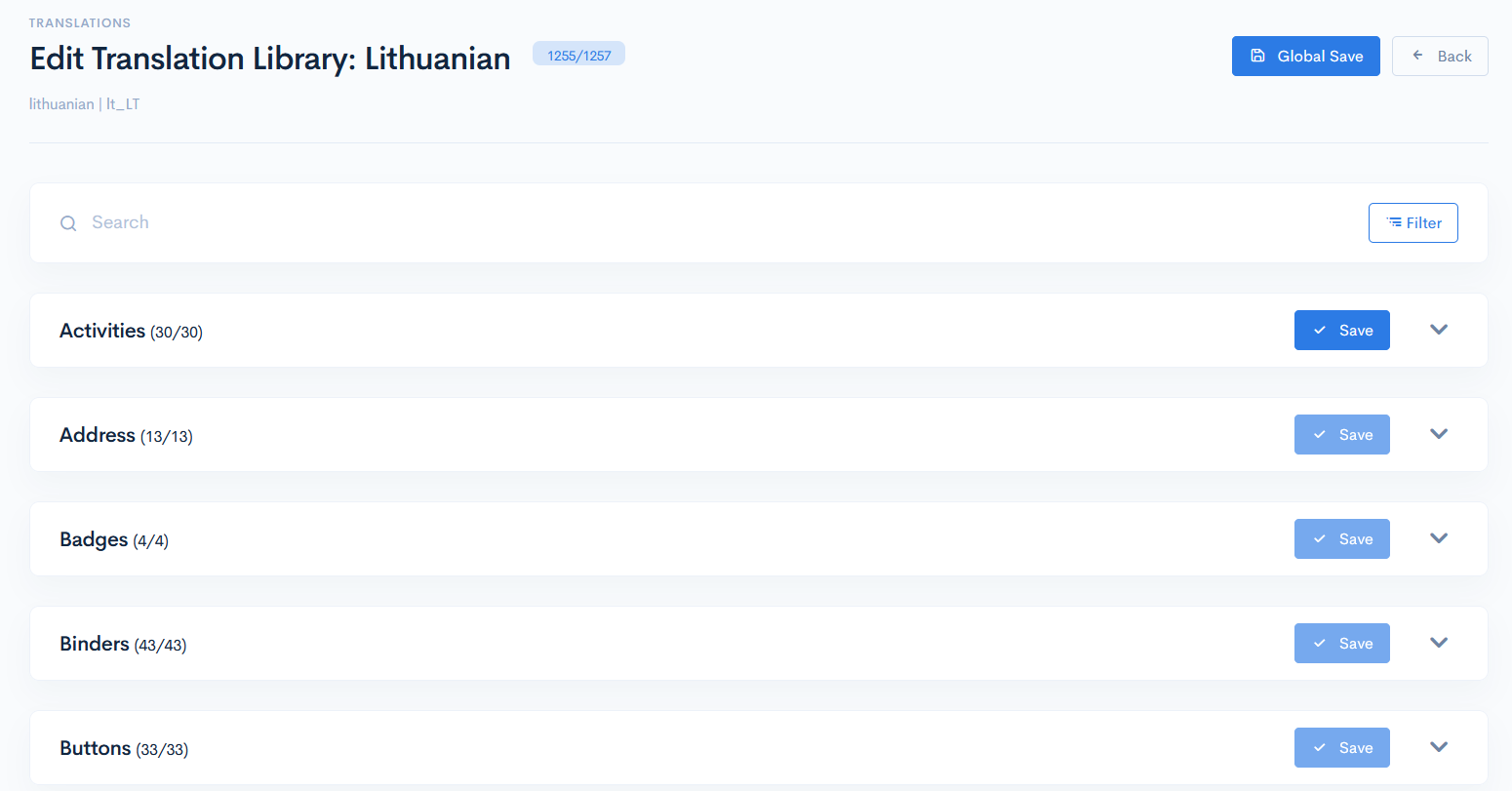
Here you will find words, that are gathered in groups by themes. Every group has a set of keys, English text and an appropriate translation of it. To change the translation, expand a group, and type the new text in the translation field. Click the save icon nearby, or if you did more translations in the group, the Save button. This way everything will be saved at once.

{info.fa-info-circle} If you did a lot of corrections in various groups, click the Global Save button to save everything at once.
{info.fa-info-circle} You can filter out groups by clicking the Filter button.
{info.fa-info-circle} The Common group is used to gather all words, that are used lots of times in various modules and cannot be assigned specifically to one place.
Deploy Translations
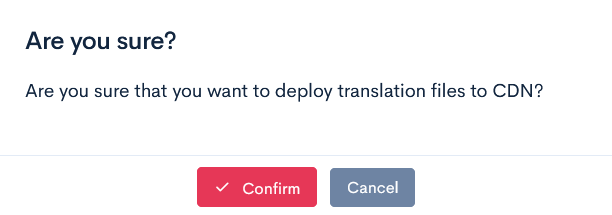
To make everything work, you have to deploy the renewed translations into our database. In the main window click the Deploy Translations button. In the pop-up window click Confirm.