Report Managament
In this chapter we will discuss how to edit/delete a report, and also how to download it.
Edit/Delete Report
To edit or delete the report, hover over the three dots on the right of the field and click Edit or Remove.

Download Report
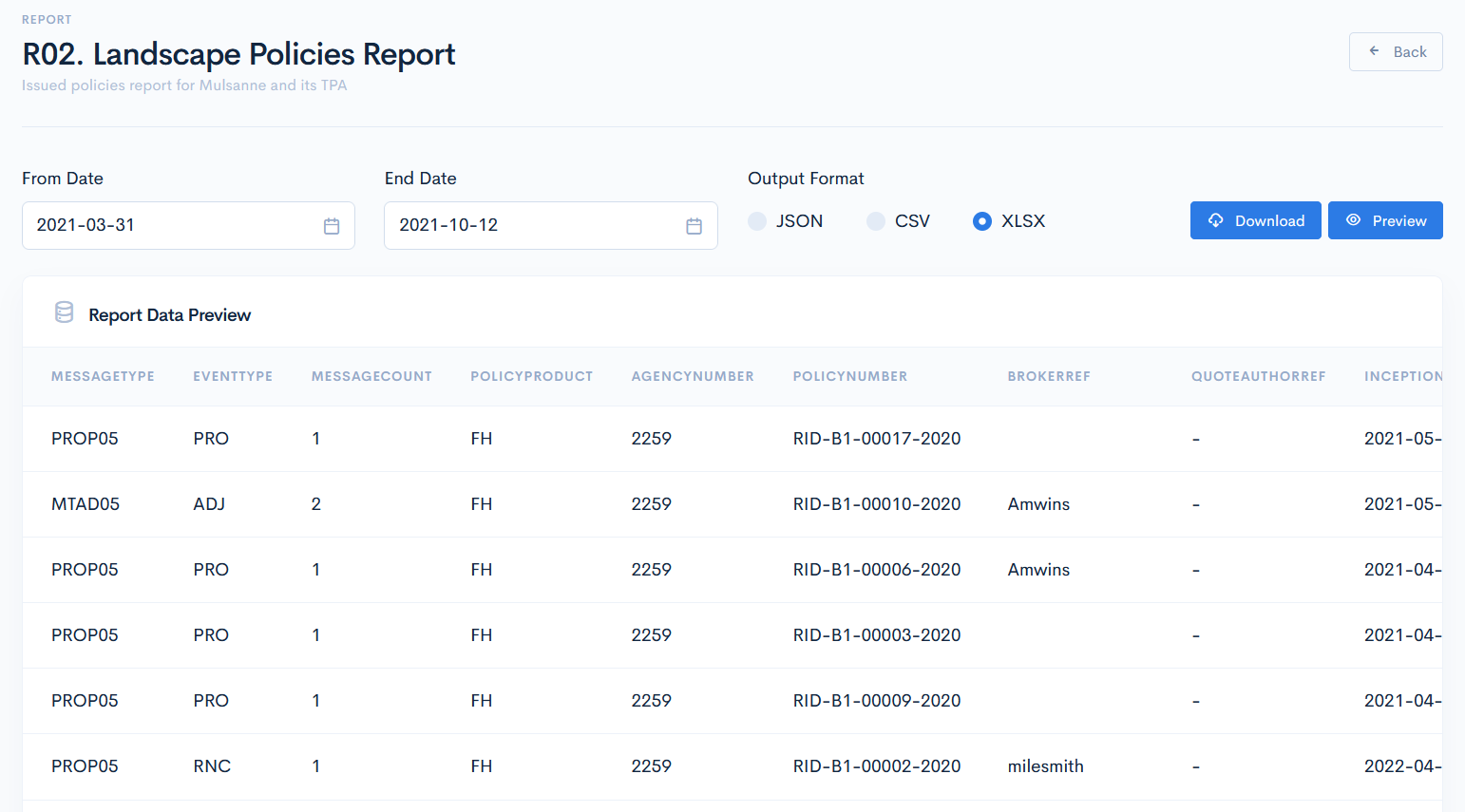
To download the report, click on its name. You will be redirected to its page where you have to select a period, from which the info will be gathered. Also, select one of the ouput formats.
{info.fa-info-circle} If you have selected a document template while registering the report, then this template will override the XLSX default output. If you will select JSON or CSV, then the template will not override those.
Before the download, we recommend to click the Preview button to see what data will be downloaded:
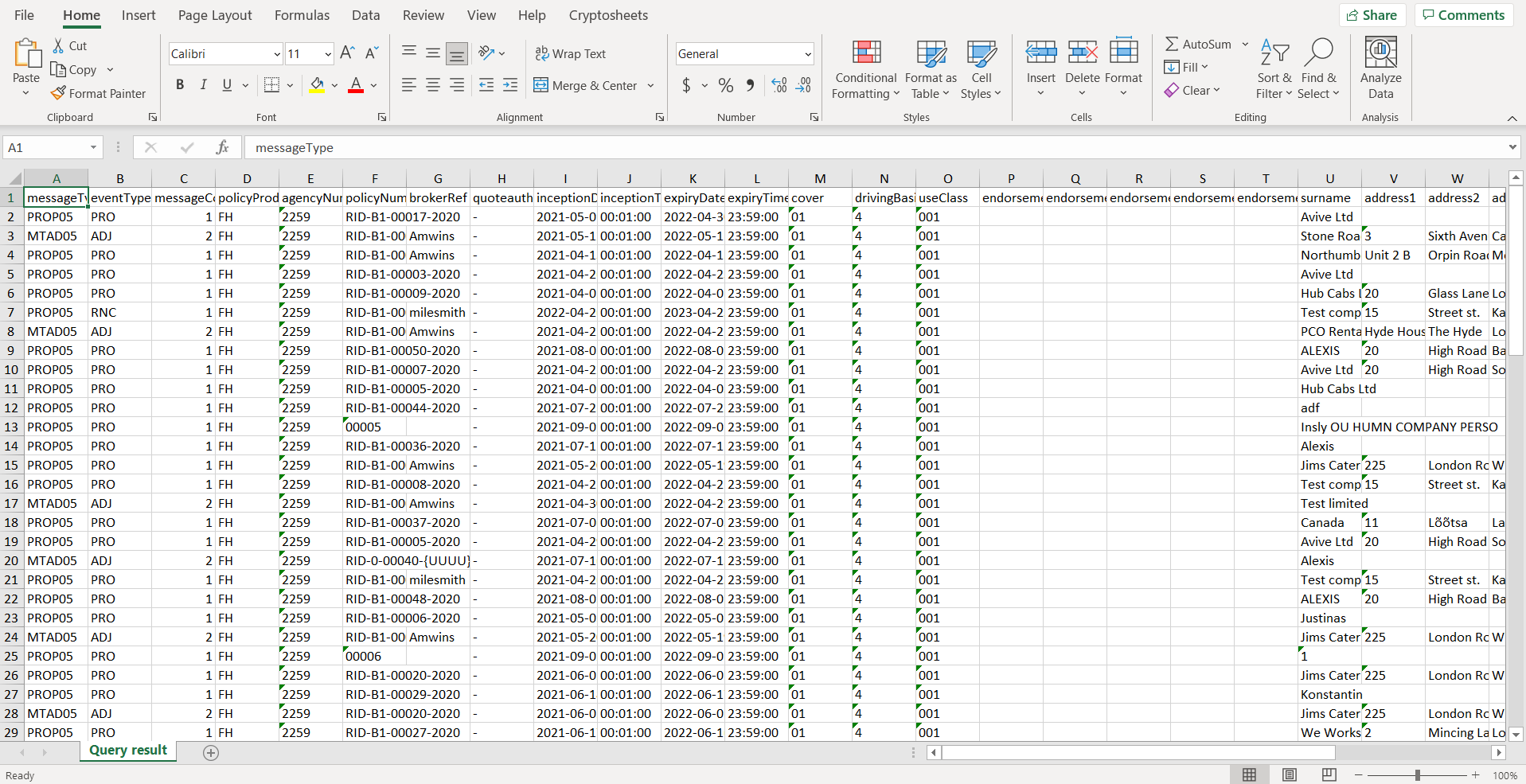
An example of the downloaded file in the .xlsx format: