Create Library
To create a new library, click the Create Library button.
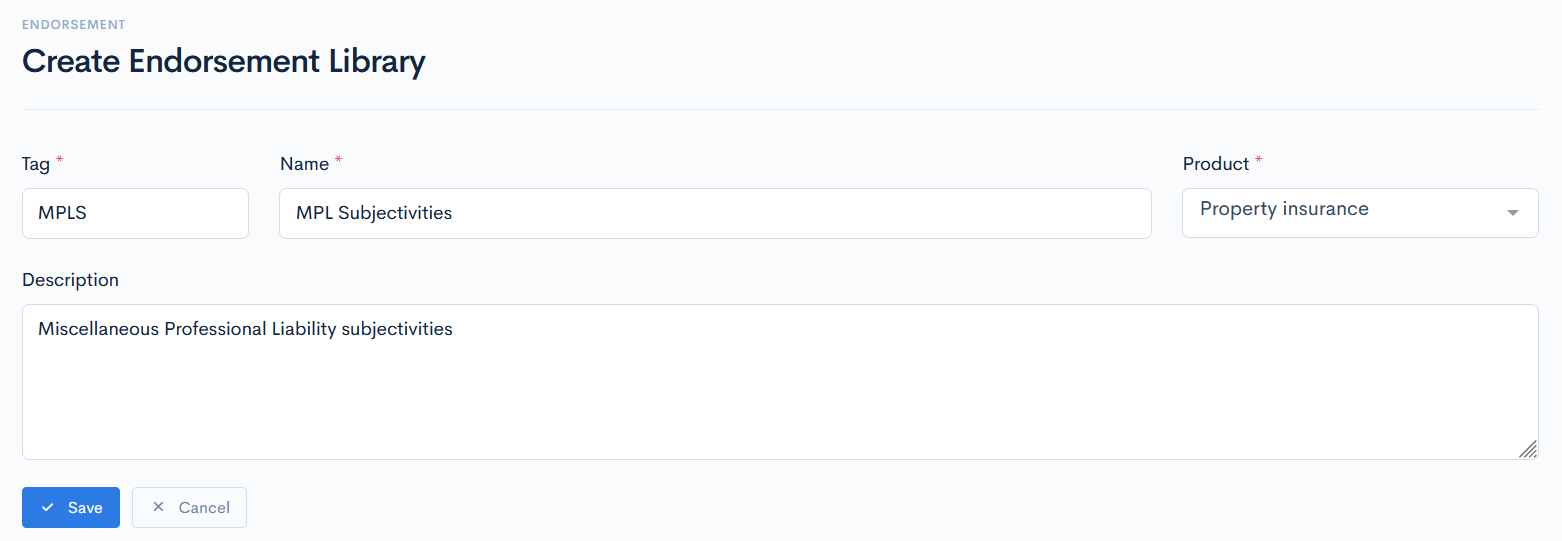
A new Create Endorsement Library window will appear. The following fields are available to fill:
| Tag | Unique identifier of a library, which is used for value mapping in the API Integrations. |
| Name | Library name. |
| Product | Select a product from the drop-down list. |
| Description | Enter the library description, if needed. |
Click Save. New library with a Draft status will appear in the list.
{info.fa-info-circle} Fields marked with a red asterisk (*) are mandatory.