Home / Custom Translation Library
Custom Translation Library
The general translation library has only translations for the hardcoded phrases of the system. To translate your quotes fields, you need to create a custom translation library.
Create Library
To create a custom library, firstly you need to click English from the translation libraries list, then click the Custom tab. Here you will register the translation keys and the phrase to be translated in English. You can also override the English sentence for that key.
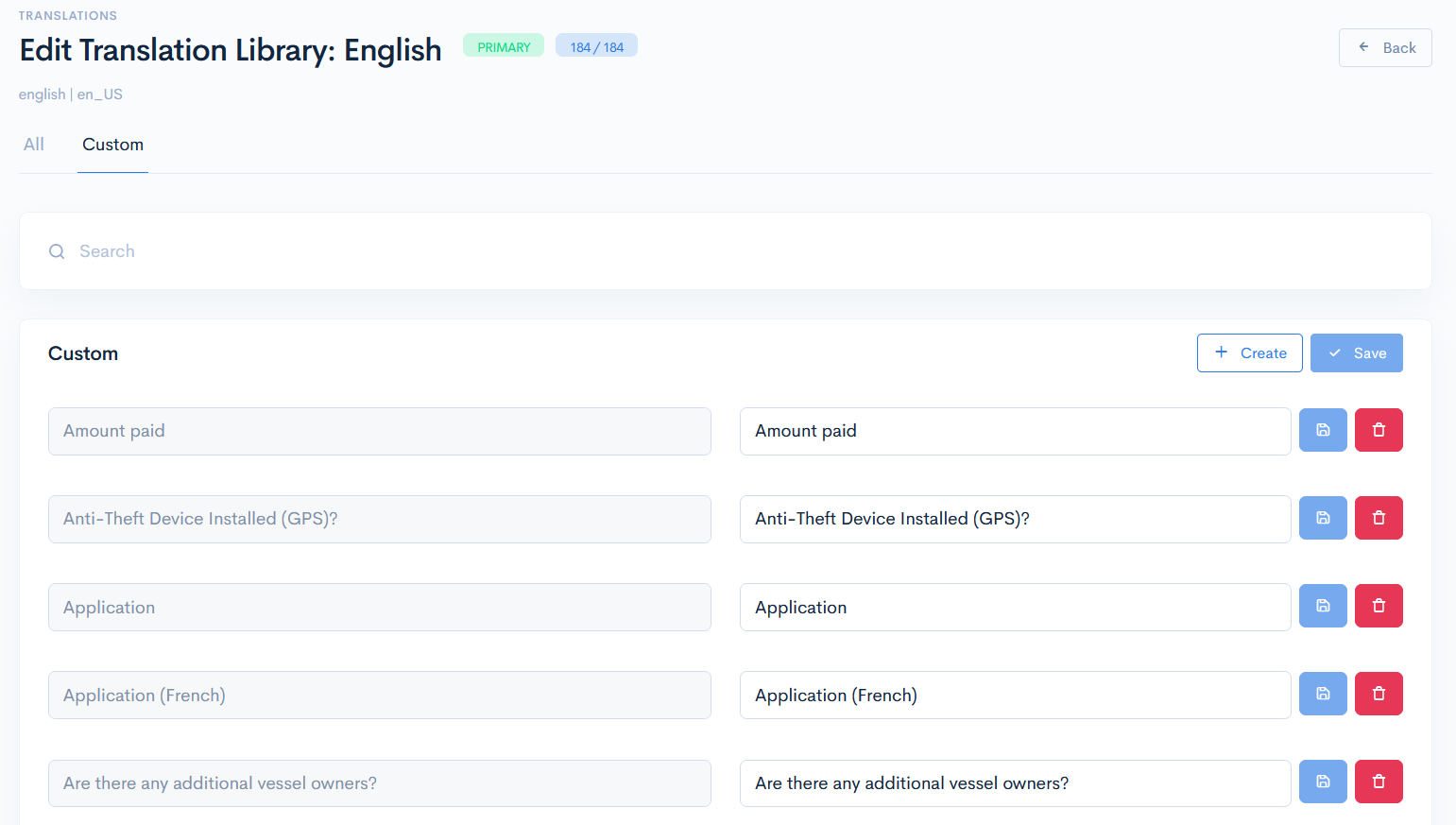
To add a new key, click the Create button and enter the Key name and Translation. The key name in this case is quote form element (uiType) title. The title can be looked up in the relevant schema file.

Click Save. Now the translation key will appear in the list. This key will automatically also appear in all assigned languages of the instance. The translation itself must be done in the selected language.
{info.fa-info-circle} Do not forget to deploy translations after changes. In the translations library list click the Deploy Translations button.
{info.fa-info-circle} If the key (quote element title) was updated on the quote form (from schema Json) it will not be updated in the translation file as there are no direct linking. In this case you need to enter this updated key (as new) in the English translation file.