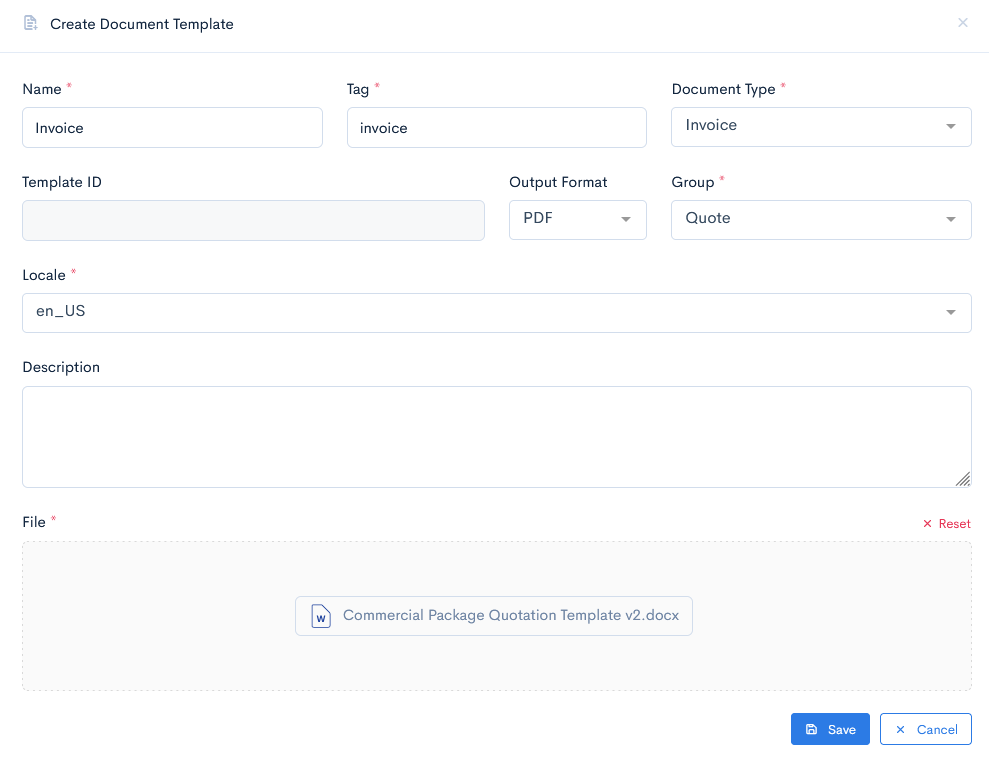
Create Document Template
There are two ways in a document template: manually, or from Blueprint.
Create Template from Blueprint
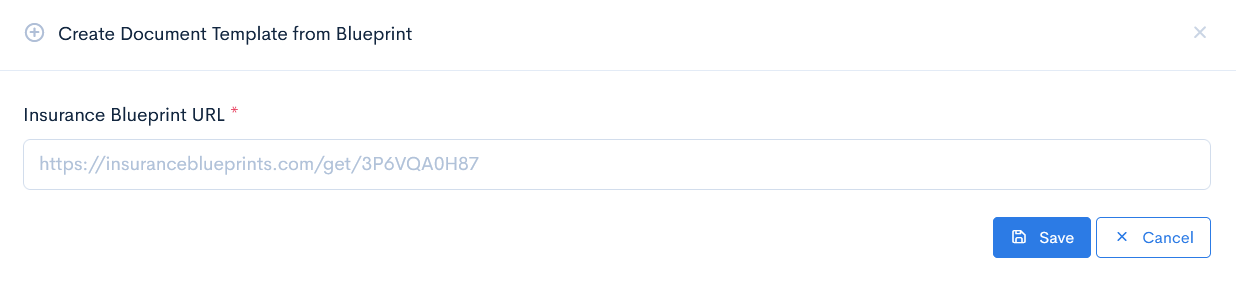
There is a possibility to fastly import an already created typical document template from the Blueprint library. For more information on this application click here.
To import a schema, click the Create Document Template from Blueprint button. In the new window enter Insurance Blueprint URL. Click Save.
To import the template into the system, click the Create Document Template button. In the new window enter Name, Tag, select Document Type, select Output Format, Group, Locale, and upload the document template into its desginated area. When the document is uploaded, the system will generate a unique Template ID, so you do not need to enter anything into that field.
If you selected the Endorsement group, then also link to an endorsement, registered in the system.
Click Save.
{info.fa-info-circle} Document templates have to be uploaded only in .docx or .xslx formats.