Overview
In the Q&B system, roles gather the usage permissions for a user. The quantity of roles can be as many as you want and to each role a set of permissions need to be assigned.
For information on how to assign the role to the user, see the Users chapter.
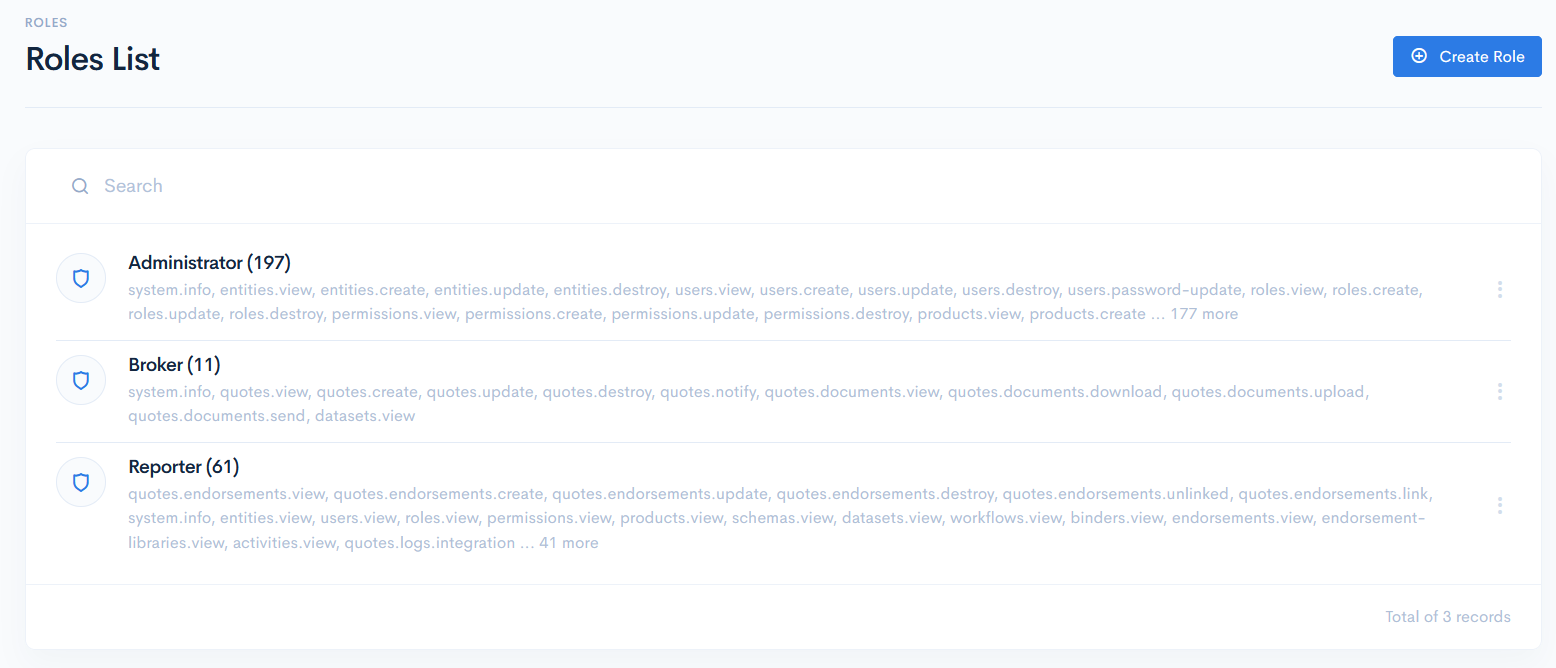
Roles List
To access roles, click Admin on the left sidebar and from the drop down menu select Roles.
In the new window you will see the list of roles. Each row contains name of the role, number of permissions assigned in brackets and the preview list of all permissions.