Calculators List
When opening the Calculators List, you will find all of the accessible calculators with their names, version, to which instance it is created and date of creation. Each calculator can have three statuses:
- Draft - the calculator is still in progress of developement. However, it still can be used for testing in the Q&B system.
- Published - the official version of calculator that can be used.
- Canceled - kept for history only and cannot be used.
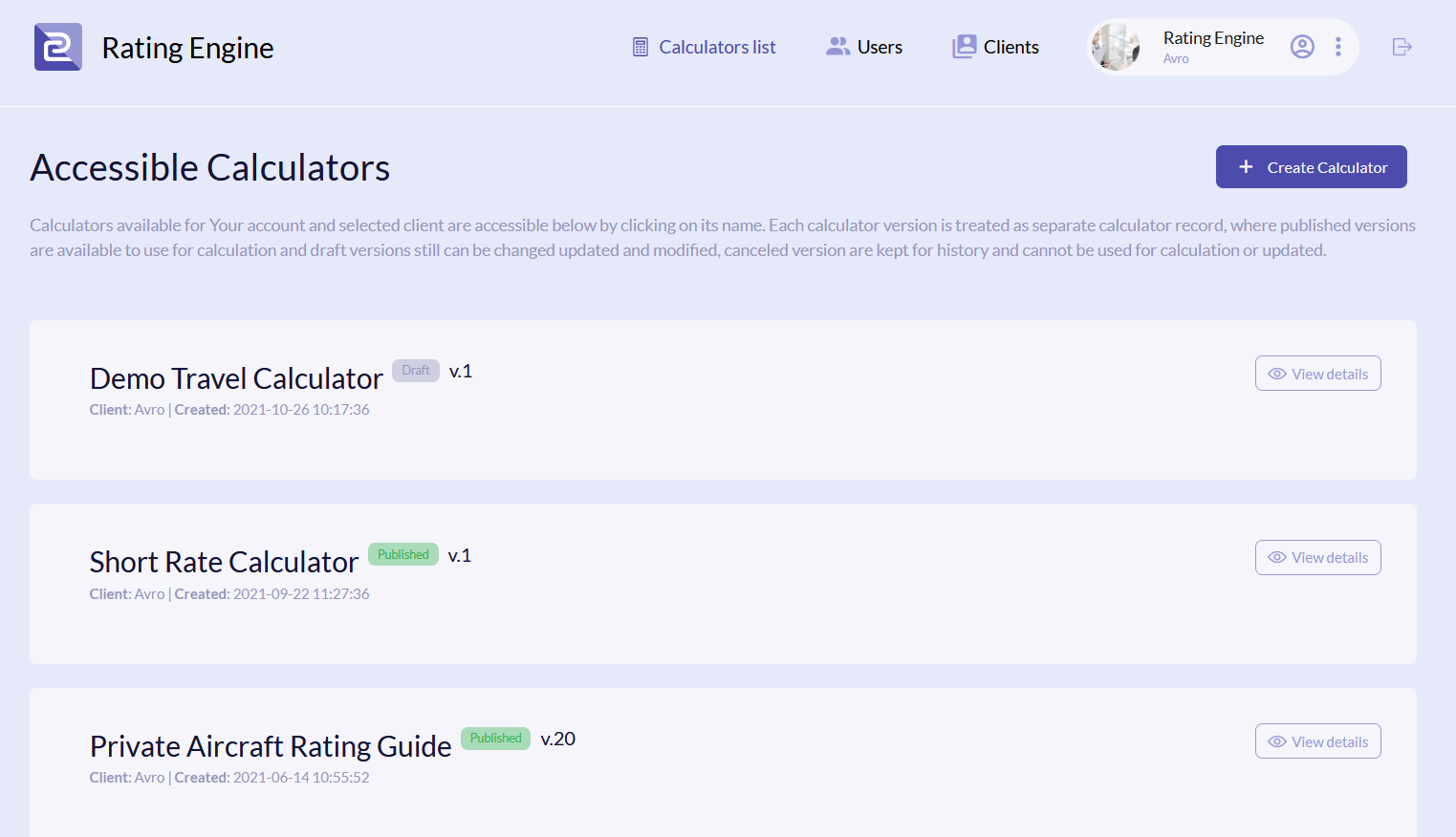
Create New Calculator
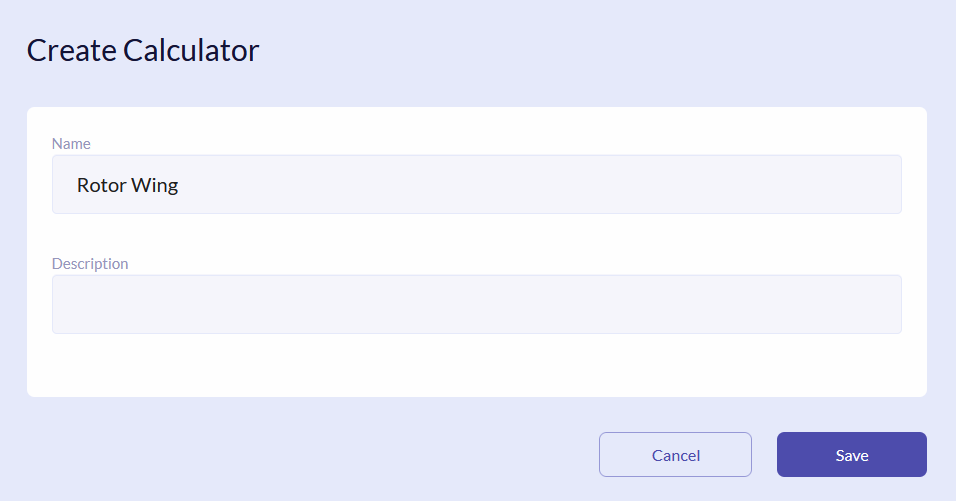
To add a new calculator, click the Create Calculator button. In the new window enter Name and Description (optional). Click Save.
Calculator Details
To perform actions with the particular calculator and see its details, click the View Details button.

In the details you will see a number of tabs: Parameters, Data Tables, Rules, Calculation Steps, Version History, Test Sets, Calculation Logs. For each of these tabs there are separte explanation chapters.
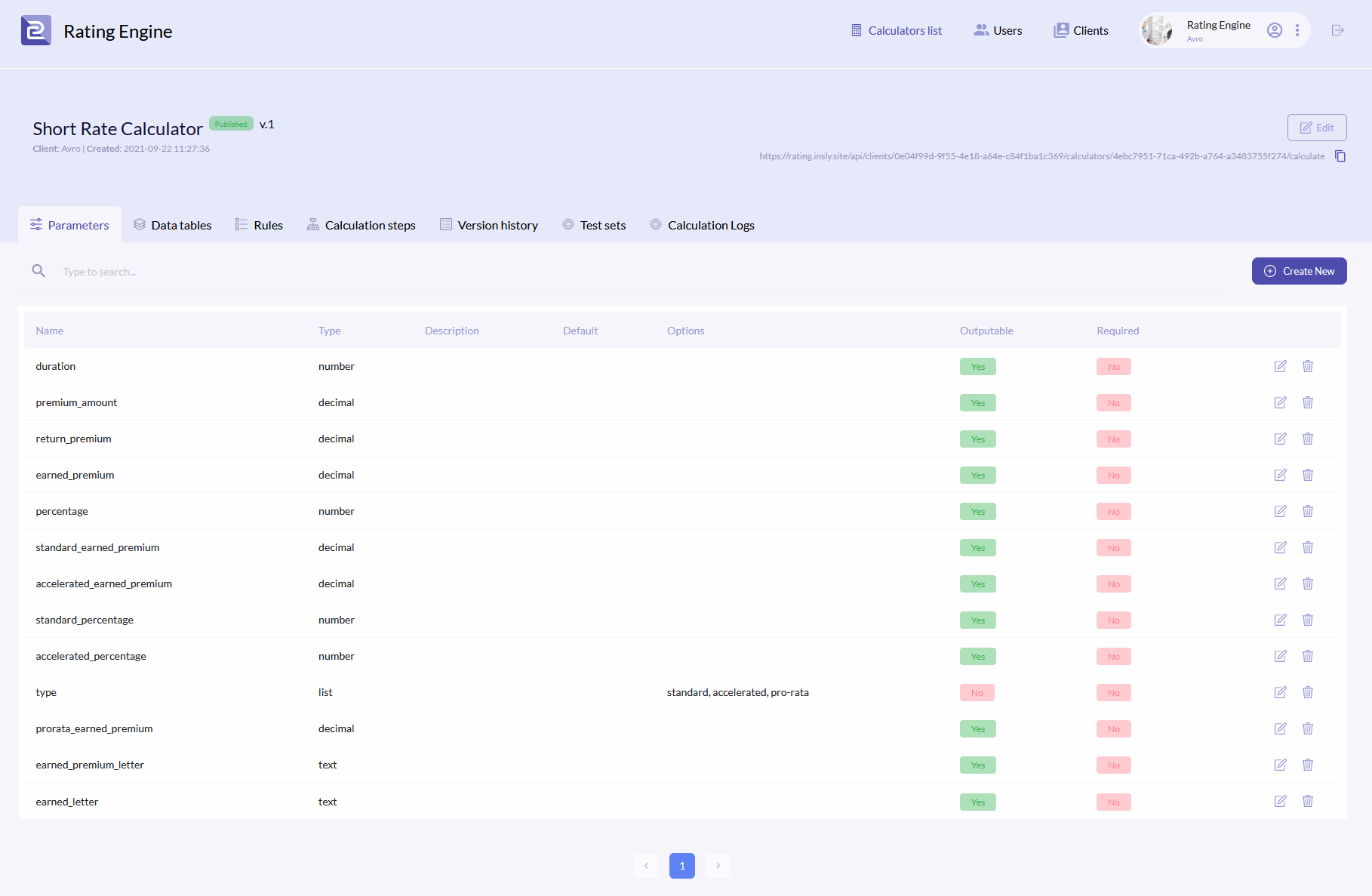
Each calculator has its own URL, that should be pasted into the quote schema when configuring the API integration. Click the icon and paste into the url key. For more information see the example.

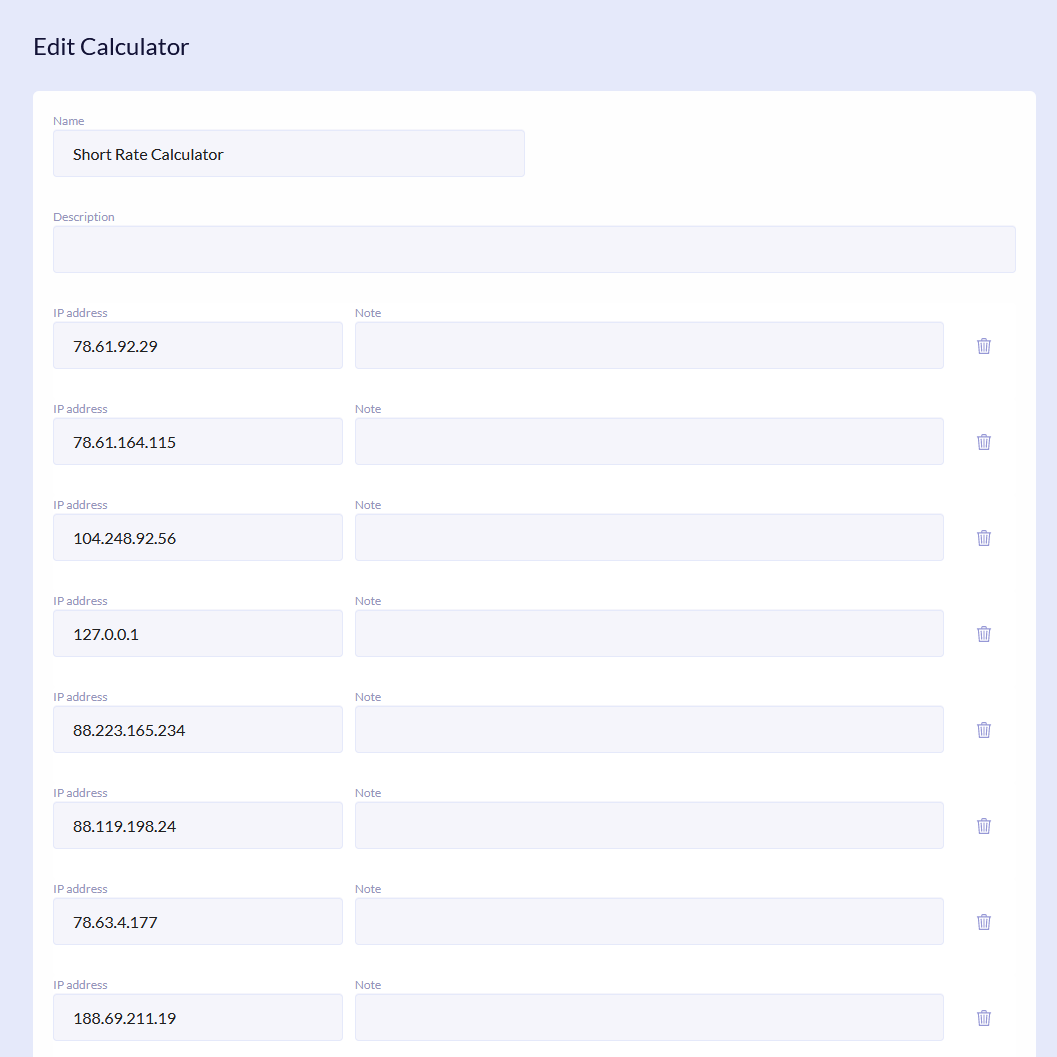
For a user to work with calculator, you must assign his IP address. To do so, click the Edit button. In the new window click Add and in the new row enter the user Q&B instance IP. Moreover, it is possible to edit name and description of the calculator. Click Save.
{info.fa-info-circle} Calculator can only be deleted from the database.
If a calculator is in the Draft status, then it has to published to use. To do so, click the Publish button. The calculator will receive the Published status and will have the same version number.
