Overview
It is possible to call the Rating Engine from some other external systems (e.g. Postman) to calculate the quote fields. In this chapter we are going to look at how you can login, make a calculation and get log details using Postman.
Login
{info.fa-info-circle} Before doing any actions, make sure, that your external system IP is registered in the Rating Engine.
To login, you need to make an API call. Open the Postman app and create a simple HTTP request. Select the method as Post and enter the request URL, which is the following: https://rating.insly.site/api/login.
Enter key and values, that are your user email and password of the Rating Engine. Click Send.
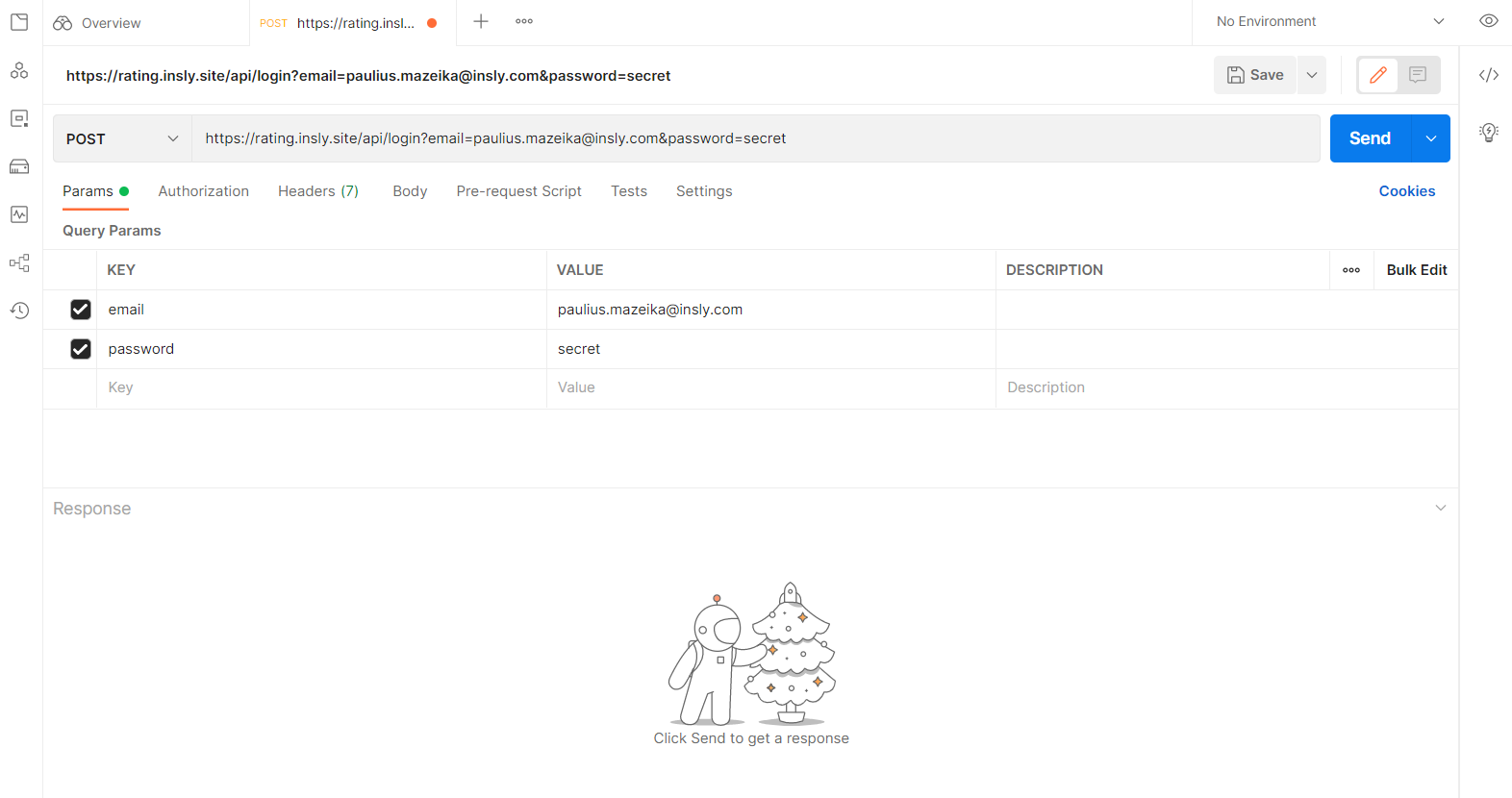
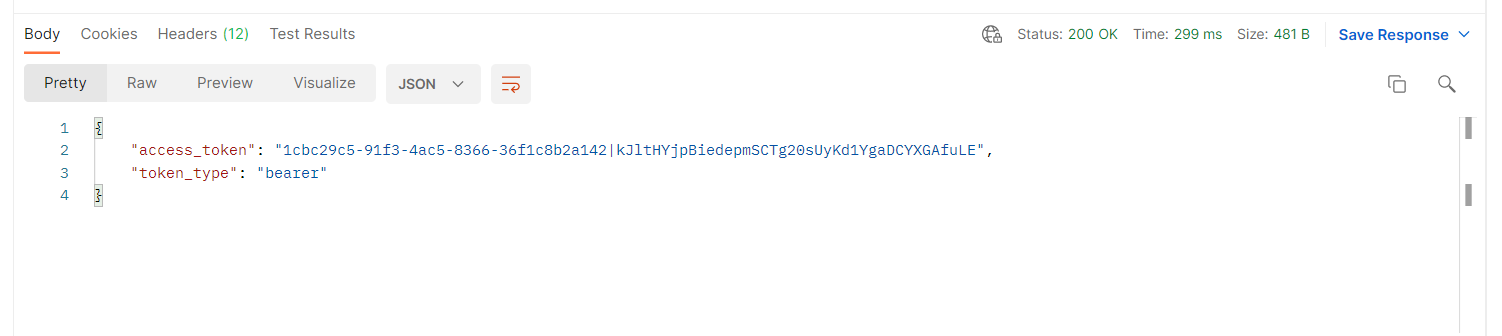
Now in the response field you will get your access token, which is required for the authorisation when accessing the calculations.
Calculate
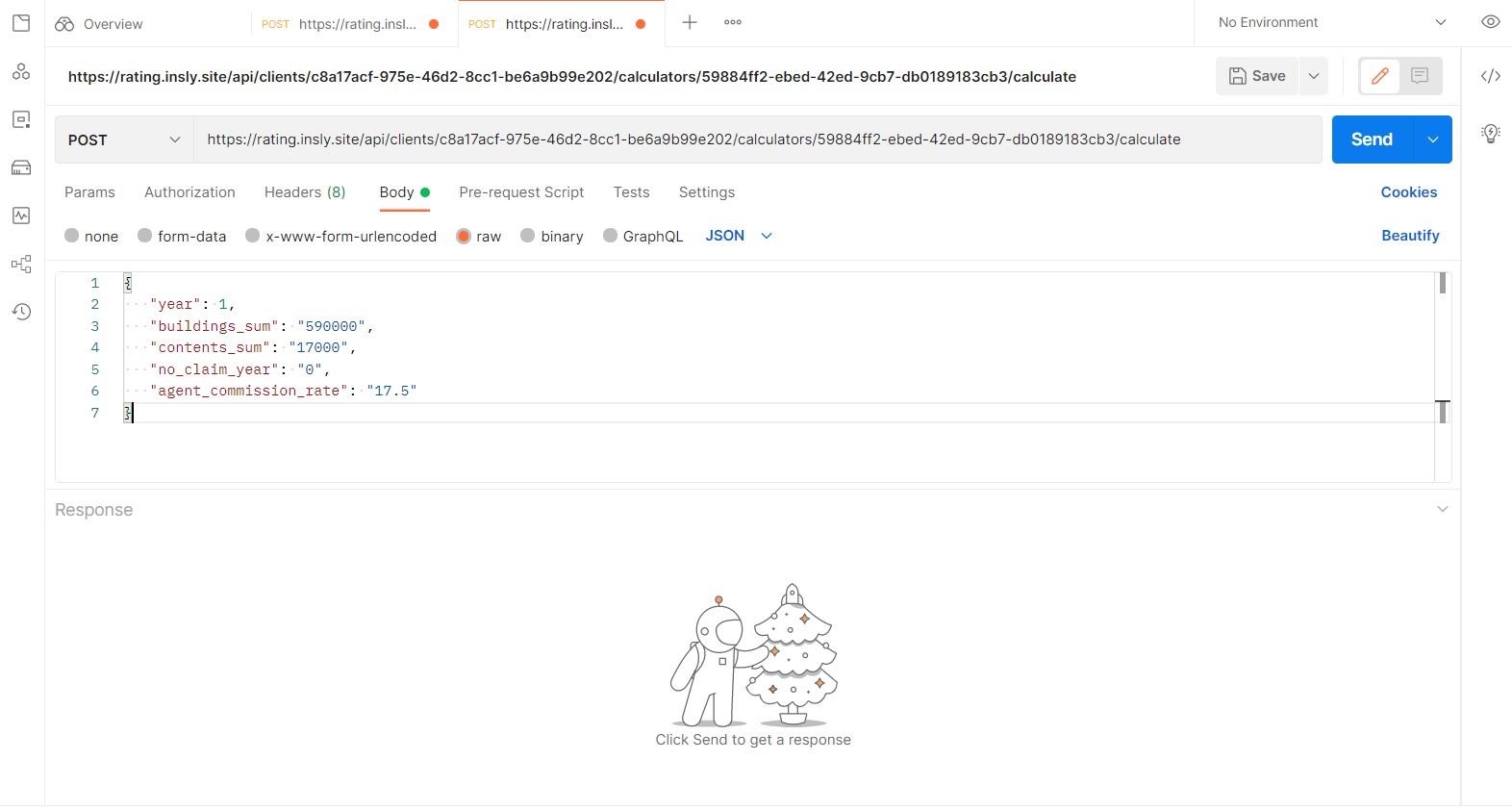
To calculate something, open new tab in Postman, select the method as Post and enter the calculator URL.
Now, you have two options: you can enter key value pairs in the Params tab, or you can write the whole JSON request into the Body tab. We are going to discuss the latter.
Click the Body tab, select raw and from the drop-down list select JSON. In the body enter the key value pairs, that are required in calculation formulas.
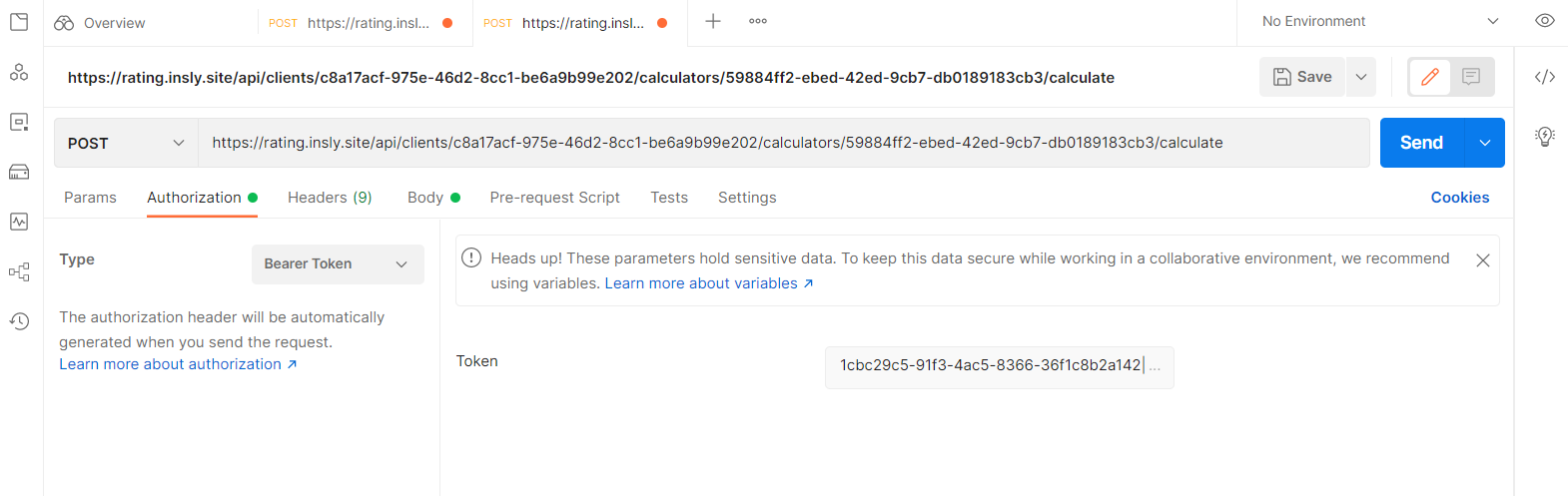
If you click the Send button now, you will not be authorised and nothing will happen. Copy the access token from login, click the Authorisation tab, select the Bearer Token type and paste the token into the field.
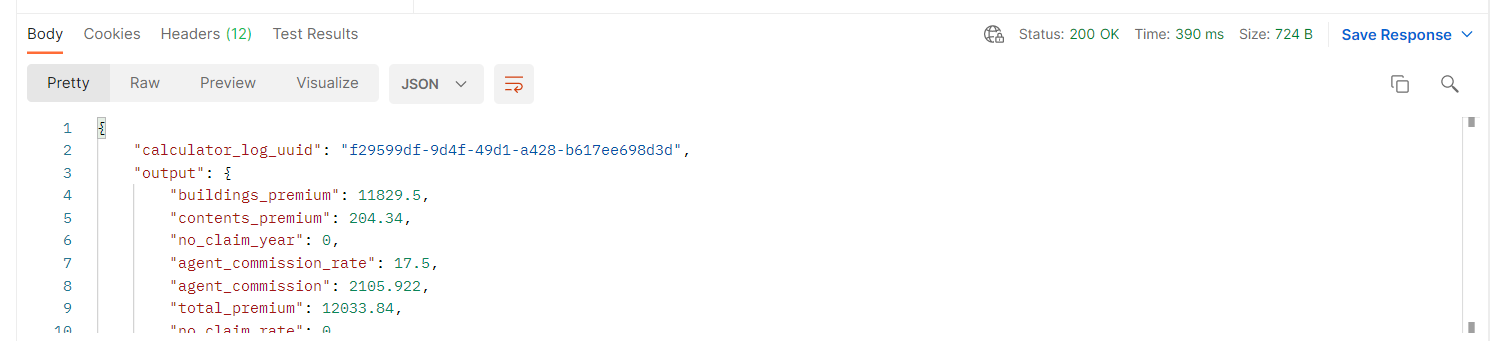
Click the Send button. Now you will get the calculated response, where:
- output - calculator results;
- rules - messages after the calculation is done;
- status - count of messages that appeared after calculation. The
max_levelvariable defines the overall level of the messages.
Get Log Details
To get the calculation logs, open new tab in Postman, select the method as Get and enter the following URL: https://rating.insly.site/api/clients/client-uuid/calculators/calculator-uuid/logs/log-uuid where client-uuid, calculator-uuid, log-uuid has to be replaced with appropriate uuid. After clicking the Send button, you will get the all the calculations that you have ever done with this token.