Overview
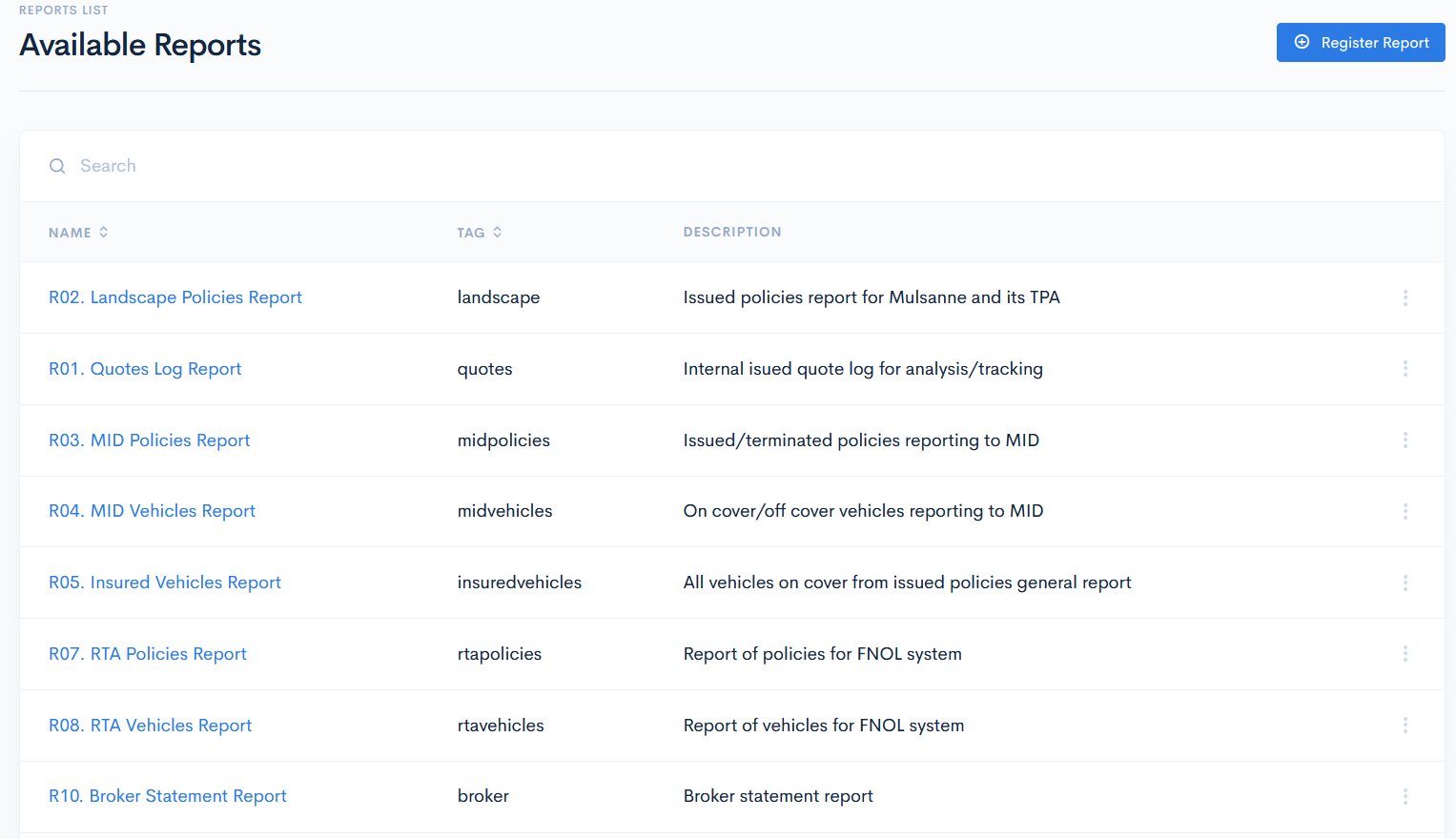
In the Q&B system generated reports give out various information spreadsheets, depending on what you would like to see: policies, vehichles spreadsheets, track issued quotes, etc.
Reports List
To access reports, click Reports on the left sidebar.
In the new page the Reports List will appear with the following columns:
| Name | Report name. |
| Tag | Unique identifier, which is used in scheduled tasks generation. |
| Description | Short description of what the report is used for. |