Overview
In the Q&B system products are various types of insurances, which are linked in quotes, schemas and transactions. There can be a parent product, and its child products (sub-products). If a product has childs, then only those childs can be selected in transactions, and the parent product serves as identificator.
Products List
To access products, click Underwriting on the left sidebar and from the drop down menu select Products.
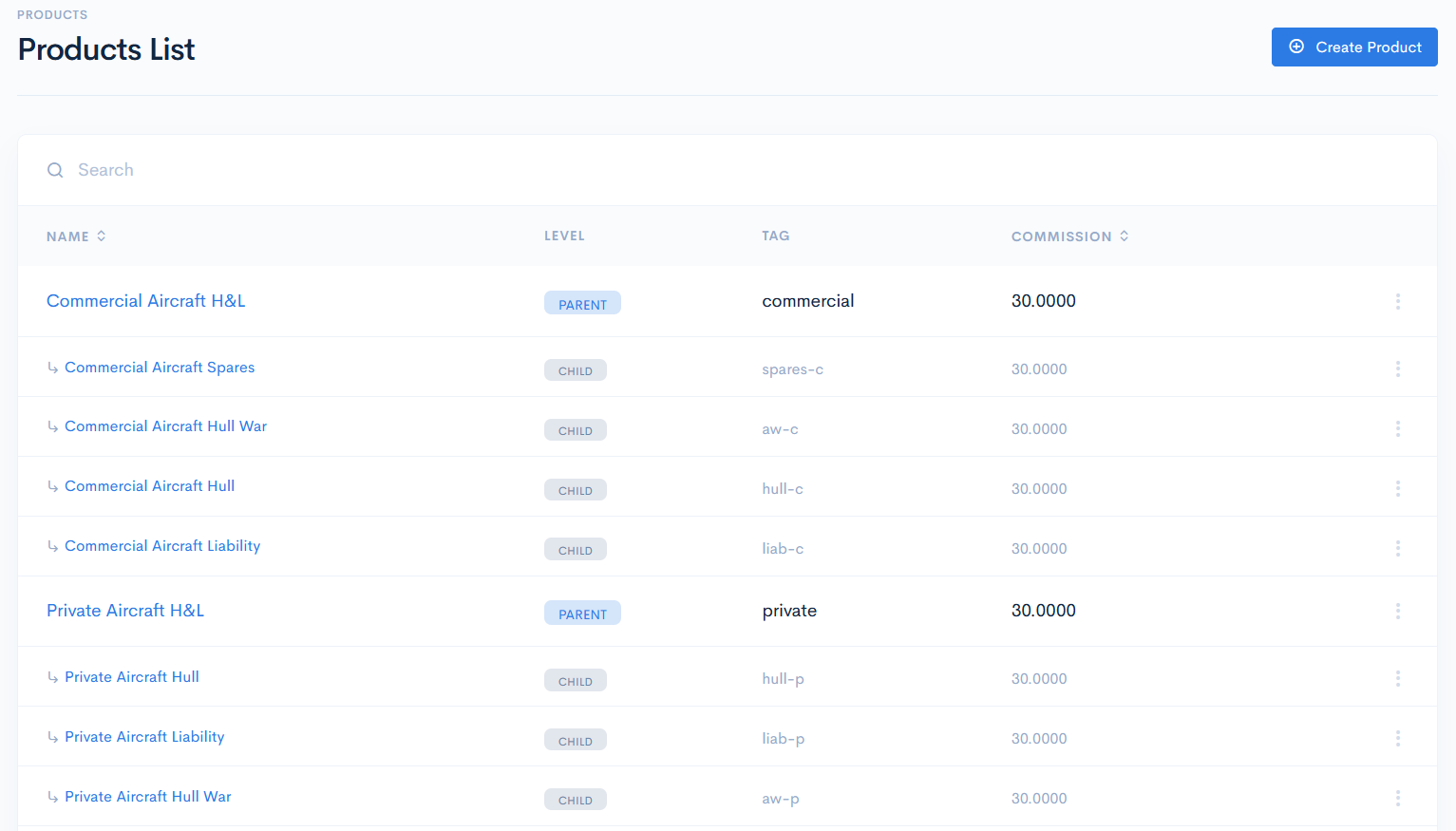
In the new window you will see the list of products with the following columns:
| Name | Parent and child product name. Note: You can sort the list by product in ascending or descending order, if you click on Name. |
| Level | Product type. Possible options:
|
| Tag | Unique identifier of a product, which is used for value mapping in schemas and they are important to describe integrations. |
| Commission | Shows the commission in percent for every product. Note: You can sort the list by commission in ascending or descending order, if you click on Commission. |
{info.fa-info-circle} You can filter out the list by Name and Tag in the search bar.