Overview
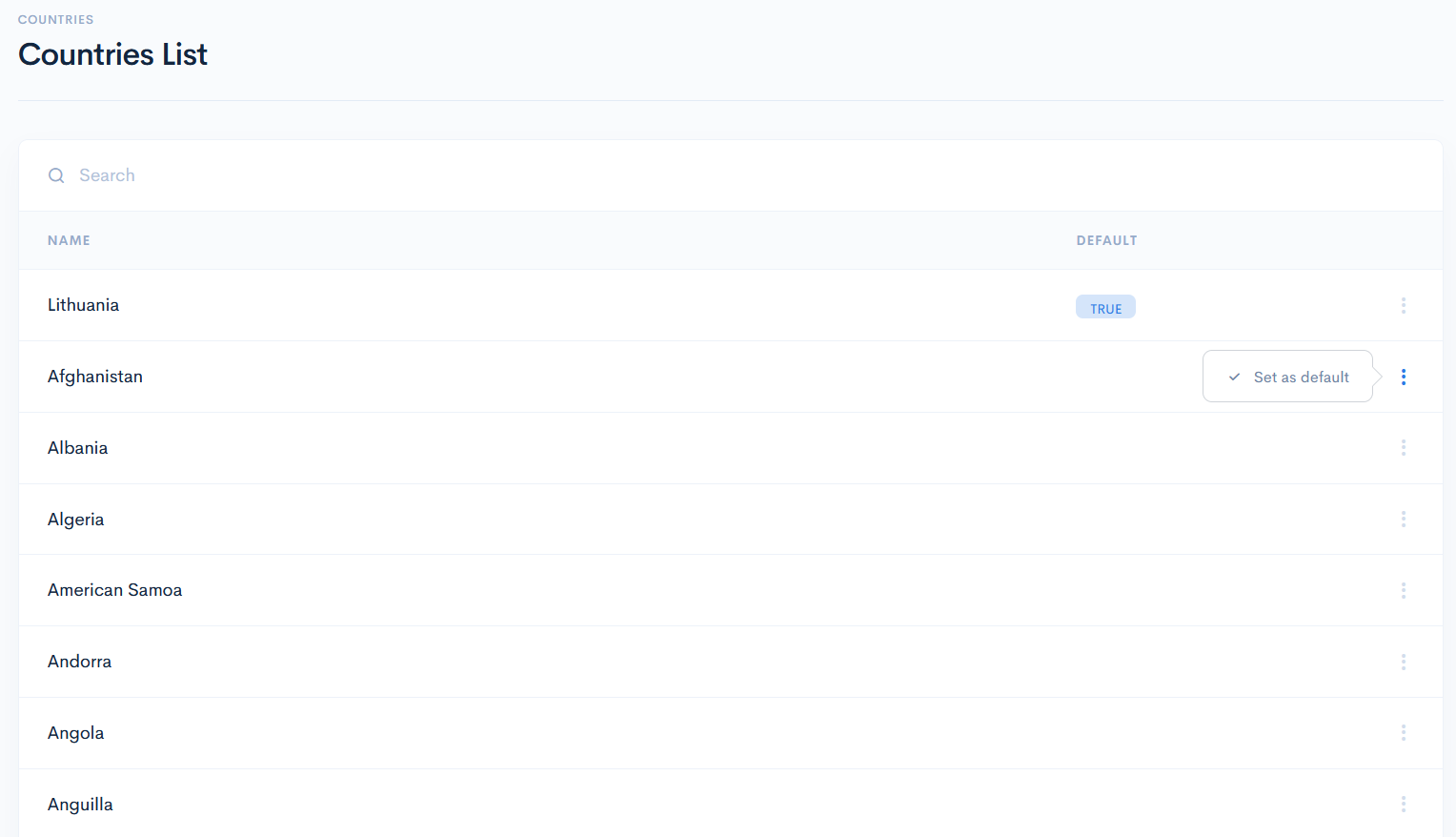
In the countries list you will find countries from all over the world, that can be set as default when creating a new client, entity or user.
Countries List
To access countries, click Admin on the left sidebar and from the drop down menu select Countries.
In the new window you will see the list of all possible countries. To make a country as a default one, hover over the three dots on the right of the field and click Set As Default.