Overview
In the Q&B system you can extract whole information (structure, data, files) on a selected module and download it to your PC as an .xlsx or combined .zip file.
The following modules are available to download:
- Entities (additionally you can define which entity in particular)
- Users (additionally you can select the user status)
- Clients (additionally you can select the client type)
- ClientAddresses
- Addresses
- Currency
- Products
- Schemas
- Workflows
- Document Templates (additionally you can define which template)
- Quotes (you have to select a particular quote)
- MultiSections (when a particular quote is selected, multisections are filtered by it)
- EndorsementLibraries
- Endorsements
Export Data
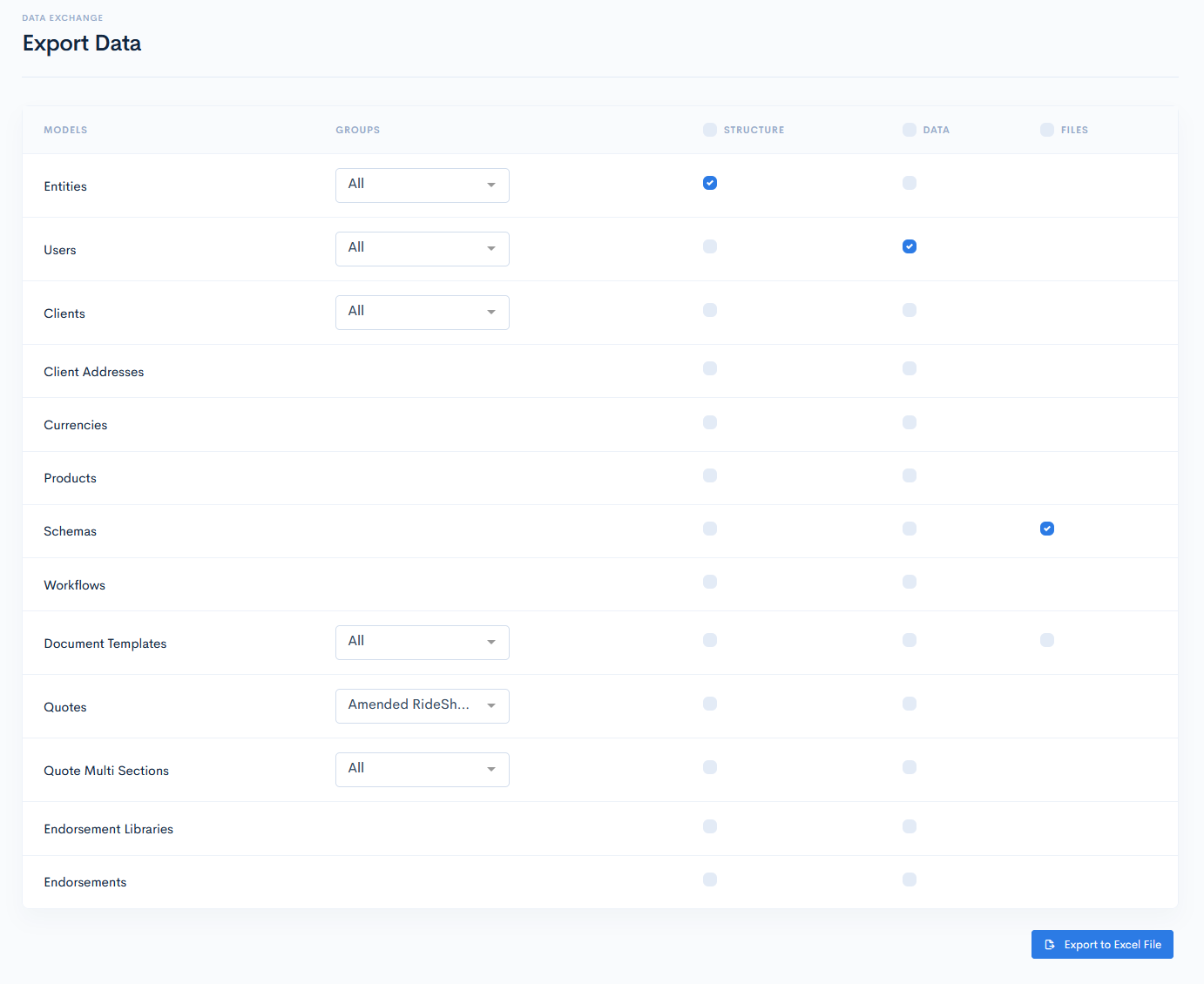
For the export, you can select between the Structure, Data and Files.
Structure will only download the empty module database structure:

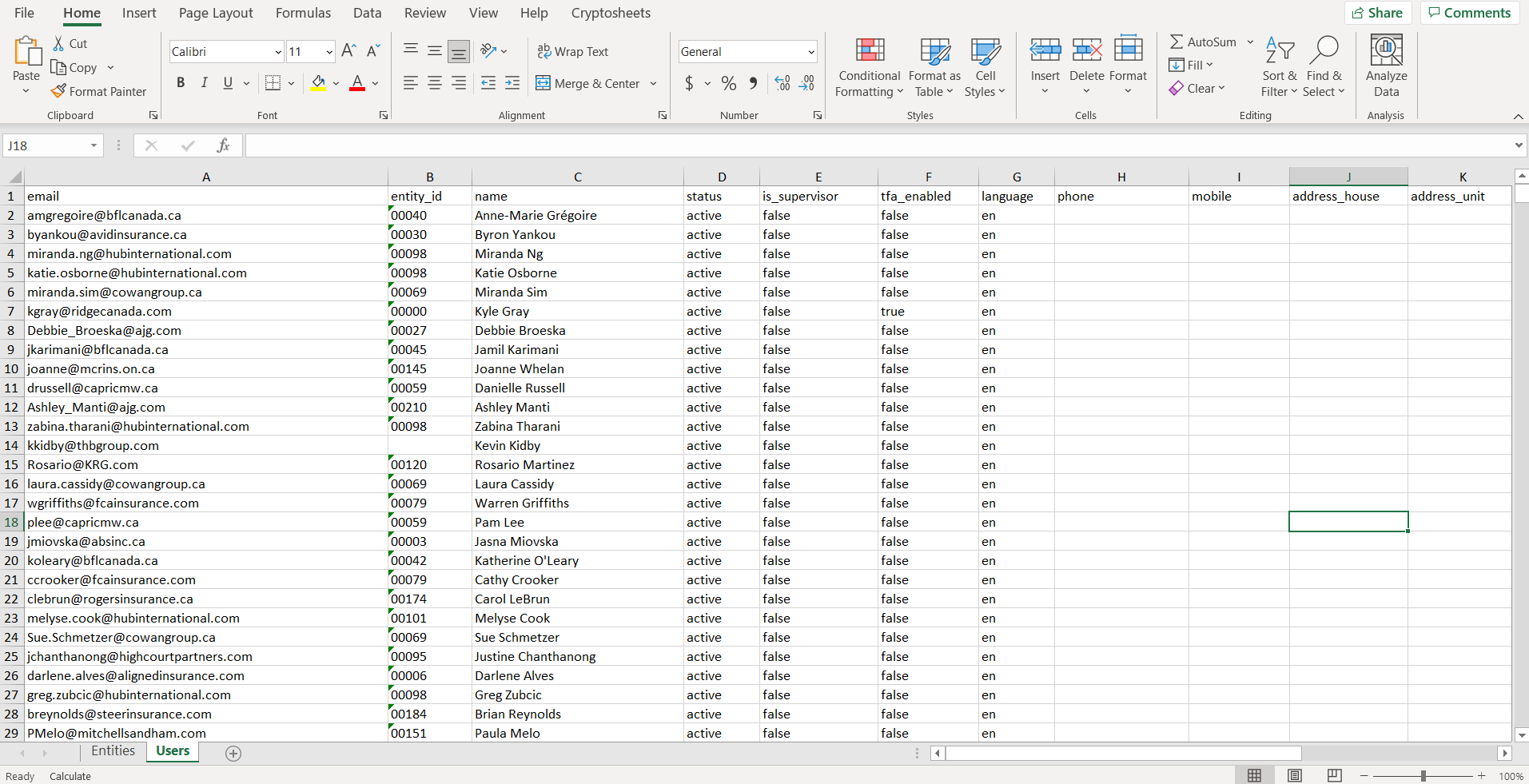
Data will download the module data with the database structure. Therefore, it is not necessary to download both structure and data separately:
Files is applicable only for schemas and document templates. This will download .json schema files and templates (.docx/.pdf) in the .zip file accordingly:
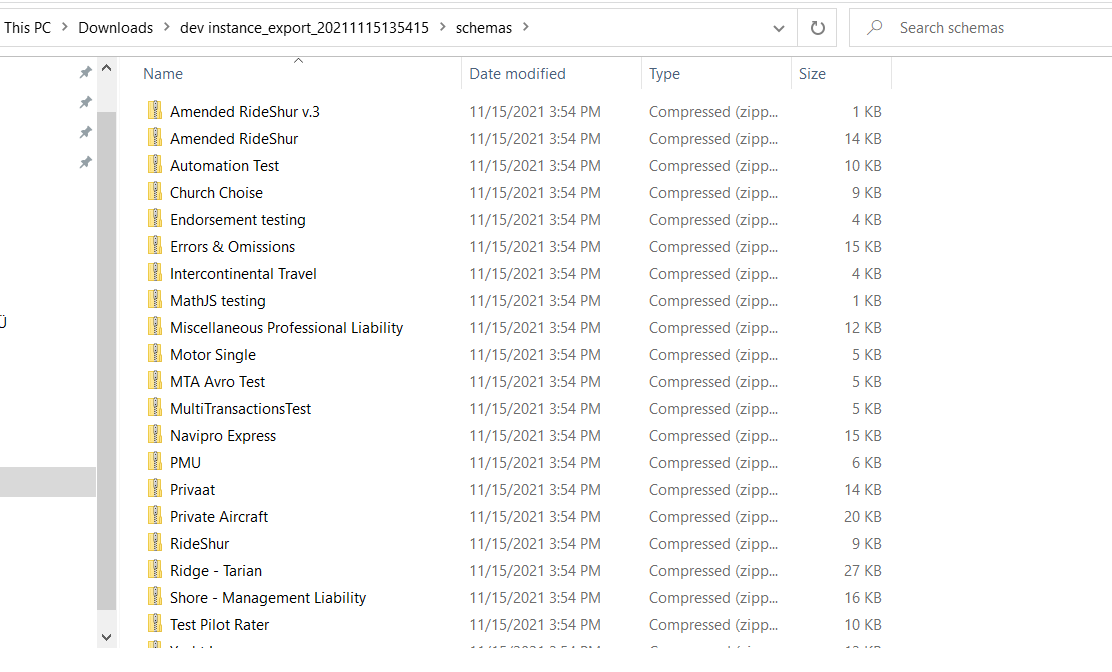
{info.fa-info-circle} If you select to download data and files at once, everything will be gathered into one .zip file.
To export something, tick the applicable boxes of the desired modules and click the Export to Excel button. Save the file on your PC.
{success} If you tick the checkbox above the Structure, Data or Files columns, then this information will be downloaded for all the possible modules.
{info.fa-info-circle} Soft-deleted data (deleted only in software but not from the database) is not exported.